
You might think SSDs are small and simple, but heat management is actually a big deal. Let me walk you through why cooling matters and if fans are necessary for your SSD setup.
SSDs don’t always require a fan for cooling, but it depends on your system. If you’re running high-performance NVMe SSDs or pushing them to the max, cooling is essential to avoid thermal throttling.
Now, let’s dig into the science of how heat affects SSDs, why you should care about it, and the best ways to keep your storage cool under pressure.
Is It Okay for SSD to Get Hot?
Heat isn’t always bad for SSDs, but there are limits. Let’s explore why heat management is crucial and when it becomes a problem.
It’s okay for SSDs to get hot within reason, but excessive heat can lead to thermal throttling and shorten the lifespan of your drive.

SSDs generate heat when they work hard, particularly with large file transfers or heavy workloads. However, when temperatures rise too much, the drive will throttle itself, slowing down performance to prevent damage. Prolonged exposure to high heat can also degrade the memory cells inside, reducing the overall lifespan. While most consumer SSDs are designed to handle a bit of heat, there’s a fine line between safe and harmful.
To avoid this, it’s important to keep an eye on your SSD's temperature, especially if you’re using it in a high-performance setting like gaming or video editing.
How Do I Keep My SSD Cool?
Keeping your SSD cool doesn’t have to be complicated, but there are a few simple steps you can take to make sure it runs smoothly.
Proper airflow, heat sinks, and thermal pads can all help in keeping your SSD cool. It's about maintaining a balanced environment inside your PC.

To start, you’ll want to ensure your PC has good airflow. Without it, the heat can build up, causing all your components—including the SSD—to run hot. You can also apply thermal pads that direct heat away from your SSD, or consider installing a dedicated heatsink if you’re running high-performance tasks.
Keep in mind that many systems have built-in cooling solutions like fans that can indirectly help keep SSD temperatures in check. If you’re using an M.2 SSD, the motherboard might even have a built-in heatsink.
Is a Heatsink a Must for SSD?
You might be wondering if a heatsink is essential for your SSD or if you can skip it and still be fine. Let’s break it down.
A heatsink isn’t always a must for SSDs, but if you’re using high-performance drives like NVMe SSDs, it’s a good idea to invest in one.
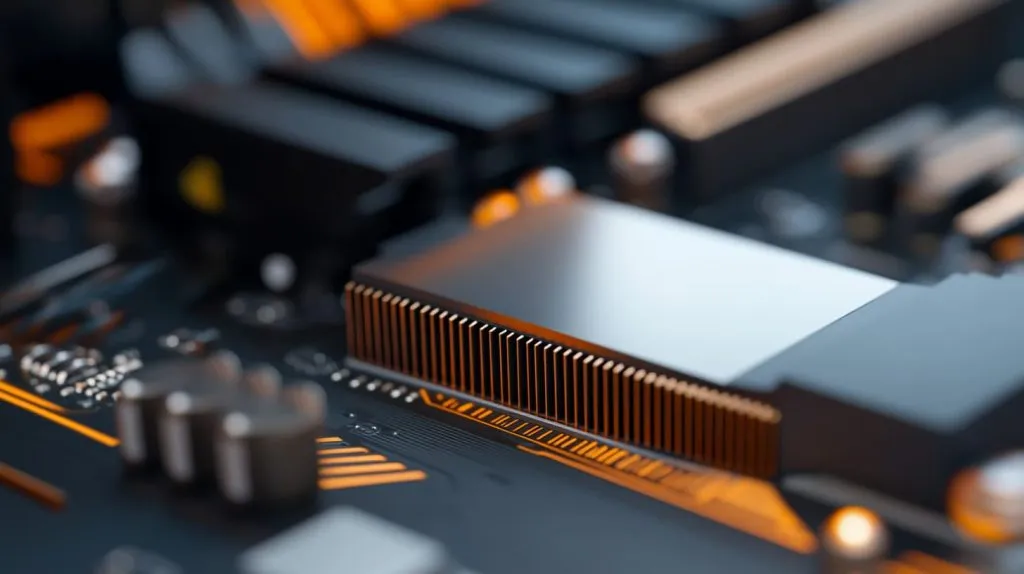
While SATA SSDs typically don’t generate enough heat to require a heatsink, NVMe SSDs, particularly those with fast read/write speeds, can get significantly hotter. This is where a heatsink becomes crucial. Without one, your SSD may struggle to maintain peak performance and could suffer from thermal throttling, where the drive slows itself down to avoid overheating. If you’re overclocking or pushing your SSD to its limits, a heatsink can make a big difference.
Is It Bad to Have an SSD Without a Heatsink?
What happens if you run an SSD without a heatsink? Let’s talk about the risks and whether it's really worth worrying about.
Running an SSD without a heatsink isn't necessarily bad, but if you're pushing high-performance tasks, you may experience thermal throttling and slower speeds.

In most cases, your SSD will run just fine without a heatsink, especially if it's a SATA model or you aren’t doing resource-heavy tasks. However, if you're using an NVMe SSD or running heavy applications like gaming or video editing, you might notice performance drops due to thermal throttling. Without a heatsink, there’s a higher chance your SSD will hit those thermal limits quicker, affecting your overall system performance.
How Do I Check My SSD Temperature?
Want to keep track of how hot your SSD is getting? Here’s how to monitor its temperature to ensure it's running in the safe zone.
You can easily check your SSD’s temperature using software tools like CrystalDiskInfo, HWMonitor, or even built-in system utilities.

Tools like CrystalDiskInfo allow you to check your drive's health and temperature in real-time. These programs give you a clear view of how your SSD is performing under load and alert you when temperatures rise too high. For gamers and content creators, monitoring SSD temperature is especially important as your system can run hot during demanding tasks.
Do NVMe SSDs Require Cooling?
Let’s talk about NVMe SSDs—do they really need cooling, or is it just hype?
Yes, NVMe SSDs require cooling, especially during heavy use, to prevent thermal throttling and ensure consistent performance.

NVMe SSDs are known for their speed, but with that speed comes heat. The small form factor and high read/write speeds generate significant heat. Without proper cooling, you may experience thermal throttling, where the drive intentionally slows down to prevent overheating. This is especially common in gaming setups and video editing stations where continuous high performance is required. Adding a heatsink or improving airflow can go a long way in preventing performance dips.
How to Cool an M.2 NVMe SSD?
M.2 NVMe SSDs are compact, but they can get hot under pressure. Here's how to cool them effectively.
Cooling an M.2 NVMe SSD is all about using thermal pads, adding heatsinks, and improving case airflow.
The most effective way to cool an M.2 NVMe SSD is with a combination of thermal pads and heatsinks. Thermal pads help to absorb and transfer heat away from the SSD, while a heatsink can significantly lower its temperature. If your PC case has poor airflow, consider adding extra case fans to increase air circulation and keep temperatures down.
Do SATA SSDs Need Cooling?
SATA SSDs generally run cooler than their NVMe counterparts. So, do they need special cooling? Let's find out.
SATA SSDs don’t typically need cooling unless your system is in a very warm environment or under heavy load for long periods.
SATA SSDs are usually less prone to heat issues compared to NVMe SSDs. However, if you’re using them in a system with limited airflow or high heat generation, you might still want to consider cooling options. Basic case cooling should suffice for most situations, but if your setup gets particularly warm, adding a small heatsink or improving airflow might be beneficial.
Best Cooling Solutions for NVMe SSDs
If you're using an NVMe SSD, what are the best ways to keep it cool under load?
The best cooling solutions for NVMe SSDs include adding heatsinks, using thermal pads, and optimizing case airflow.
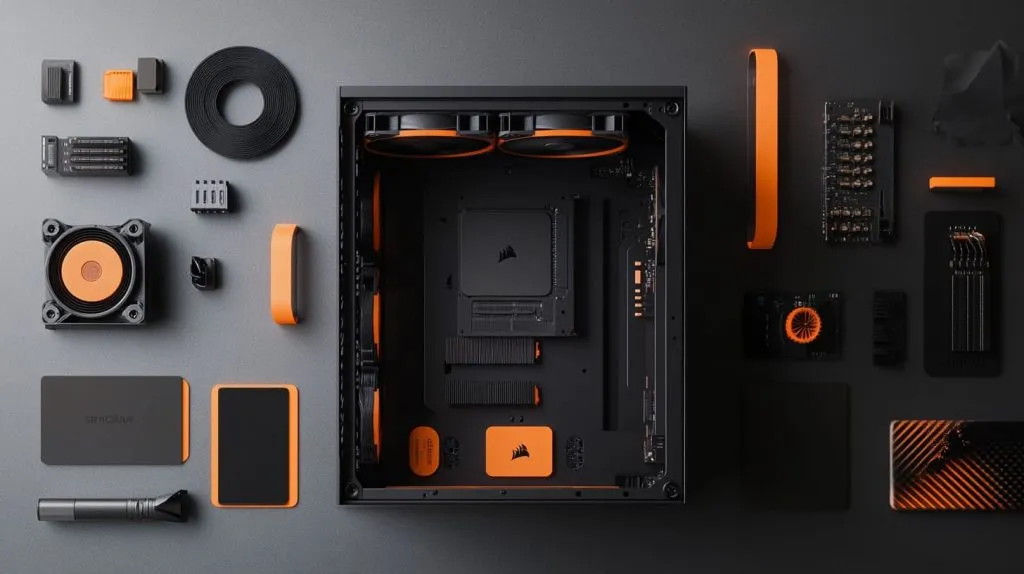
When it comes to cooling NVMe SSDs, the most effective solutions are thermal pads and heatsinks. These help to disperse the heat generated during high-speed operations. Additionally, improving the airflow inside your case—by adding more case fans or opting for a larger, well-ventilated case—can also make a significant difference in keeping temperatures in check.
Conclusion
To sum it up, SSDs don’t always need cooling, but for high-performance NVMe SSDs, cooling solutions like heatsinks and better airflow are essential to maintain peak performance.







