 Skip to content

A Raspberry Pi humming quietly in the corner seems harmless—until you start compiling code, streaming 4K, or training a model. That’s when the temperature creeps up, and suddenly your project isn’t so smooth anymore.
Yes, you can add an extra heatsink fan to a Raspberry Pi to improve thermal performance, especially during high-load tasks or overclocking.
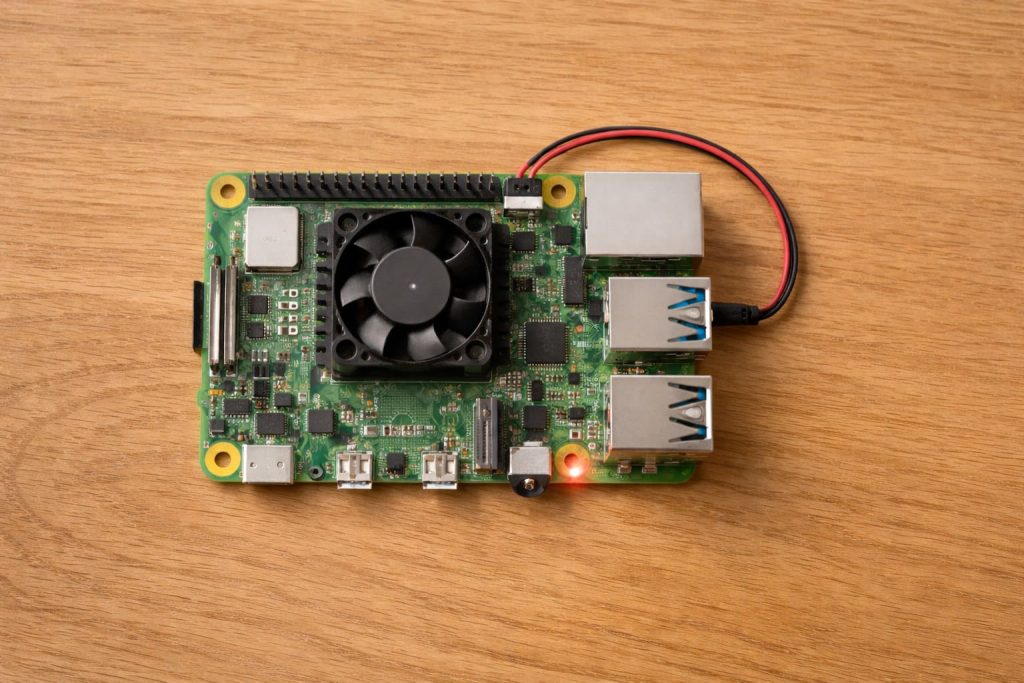
Does the Raspberry Pi need a heatsink and fan together?
Some say one is enough. I used to think so too—until I saw the throttling.
While a single heatsink or fan helps, combining both ensures optimal heat dissipation and consistent CPU performance.
Why both might be necessary
- A heatsink absorbs and spreads heat.
- A fan actively pushes that heat away.
In passive-only setups, the heatsink becomes saturated with heat during long sessions. A fan helps clear that heat out, maintaining stable temps.
| Cooling Setup | Idle Temp | Load Temp | Notes |
|---|---|---|---|
| Heatsink only | 48°C | 78°C | Throttles under load |
| Fan only | 44°C | 72°C | Short bursts OK |
| Heatsink + Fan | 42°C | 60°C | Stable and efficient |
How much does an extra fan improve Raspberry Pi cooling?
I ran tests during a summer project. No AC. Just hot ambient air and stress tests.
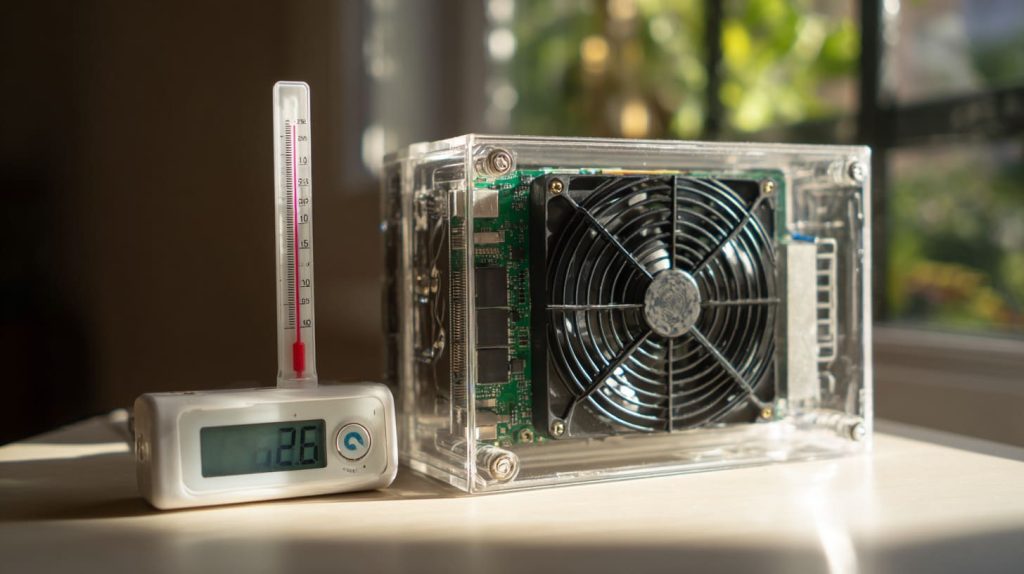
An extra fan can lower temperatures by 10°C to 15°C, preventing thermal throttling and keeping performance smooth.
Real improvement in tough conditions
- My Raspberry Pi 5 dropped from 76°C to 61°C under full load.
- Boot time sped up.
- No more CPU throttling even after hours.
If you're running Home Assistant, Kodi, or a Pi cluster, this upgrade pays for itself in stability.
Can I install a second fan on my Raspberry Pi case?
This depends on your case style—but yes, often you can.
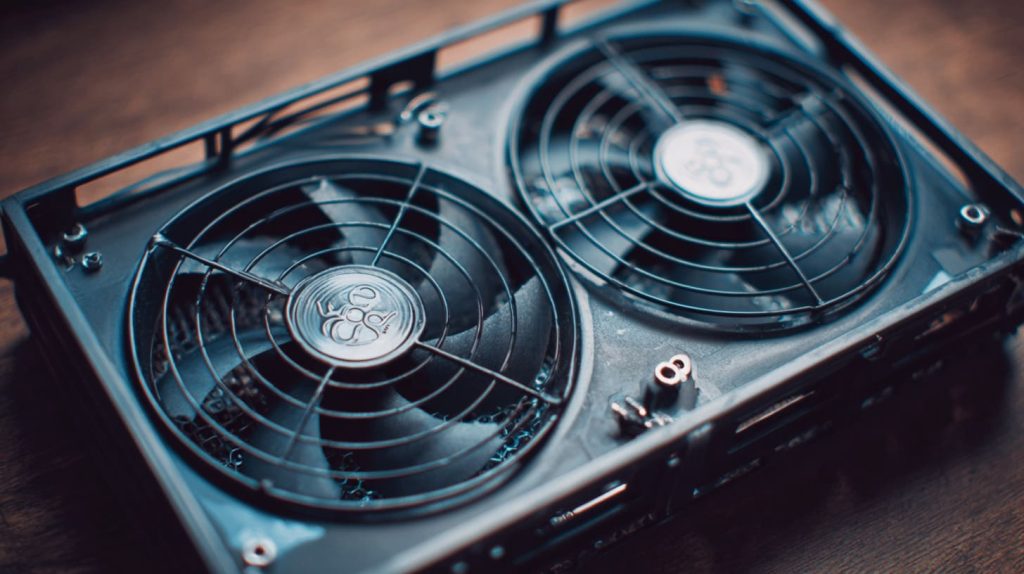
You can install a second fan if your case allows it or has unused ventilation zones.
Tips from my own setups
- Drill small vent holes on the opposite side of your primary fan.
- Use a Y splitter to power two fans from one 5V pin.
- For plastic cases, hot glue or small brackets work surprisingly well.
If you’re like me and like DIY tinkering, modifying your case is half the fun.
What happens if my Raspberry Pi overheats without extra cooling?
It’s not always dramatic—but it is damaging.
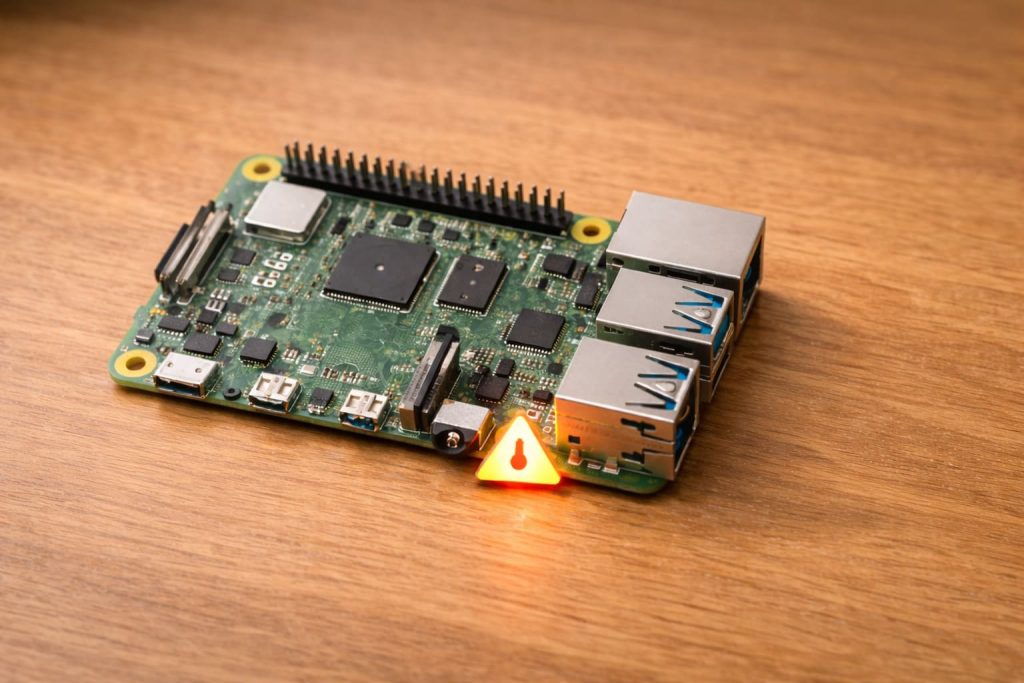
When a Raspberry Pi overheats, it throttles performance to cool down, which causes lag and potential instability.
Slowdowns you might not notice at first
- Video stutters in streaming.
- Delayed SSH responses.
- Frozen GPIO commands during testing.
If you're running a critical script or automation, this could be a deal-breaker.
Is passive cooling enough or should I add an active fan?
This depends on what you're doing with the Pi.
Passive cooling may work for light tasks, but active fans are better for consistent performance in demanding setups.

A quick comparison
| Use Case | Passive Cooling | Active Cooling |
|---|---|---|
| Idle or simple scripts | ✅ | Optional |
| Video playback | ⚠️ Might overheat | ✅ Recommended |
| Overclocked CPU | ❌ | ✅ Necessary |
| Summer / no AC room | ❌ | ✅ Strongly advised |
My Pi 4 used to be passively cooled. It worked—until I added a camera module and ran TensorFlow Lite. That’s when I realized passive wasn’t enough.
How do you attach an additional heatsink to a Raspberry Pi?
It’s easier than you think. But precision matters.
To attach an extra heatsink, clean the chip surface, apply thermal adhesive or pad, and press the heatsink firmly into place.
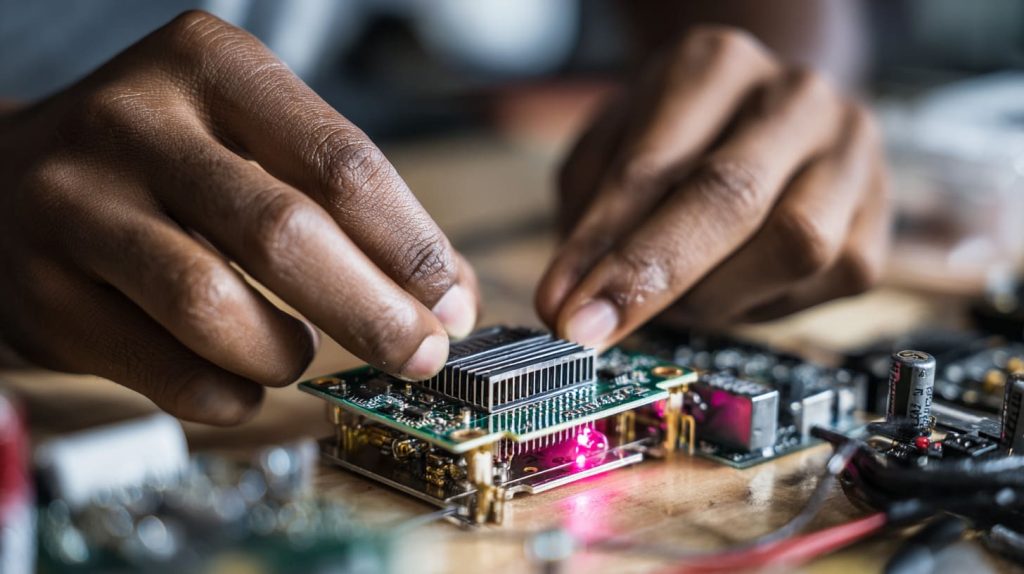
What you’ll need:
- Isopropyl alcohol (clean the chip surface)
- Thermal pad or adhesive (I prefer thermal pads for ease)
- Aluminum or copper heatsink (sized for the chip)
Once mounted, avoid bumping it during board movement—it needs firm contact.
Which Raspberry Pi models benefit most from extra fans?
Not all models heat up the same. But some clearly need more help.
Raspberry Pi 4 and Raspberry Pi 5 benefit the most from extra fans due to their powerful CPUs and higher thermal output.
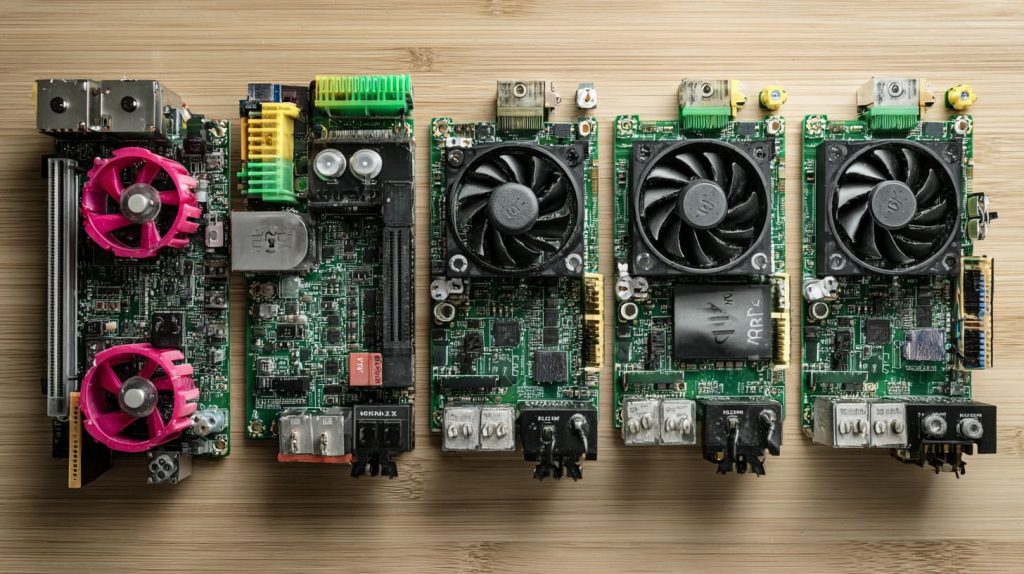
Pi comparison chart
| Model | Needs Extra Cooling? | Why |
|---|---|---|
| Pi 3B+ | ⚠️ Sometimes | Less power but can heat |
| Pi 4 | ✅ Yes | CPU gets hot even at idle |
| Pi 5 | ✅ Strongly recommended | Built-in fan header for a reason |
| Pi Zero | ❌ Rarely | Lower power and smaller footprint |
I’ve seen the Pi 5 run at 85°C with no fan, even with just browsing and file sharing. Not ideal.
What’s the best fan placement for Raspberry Pi airflow?
This is where setup matters more than budget.
The best fan placement is directly above the CPU, drawing air across the heatsink and out of the case.
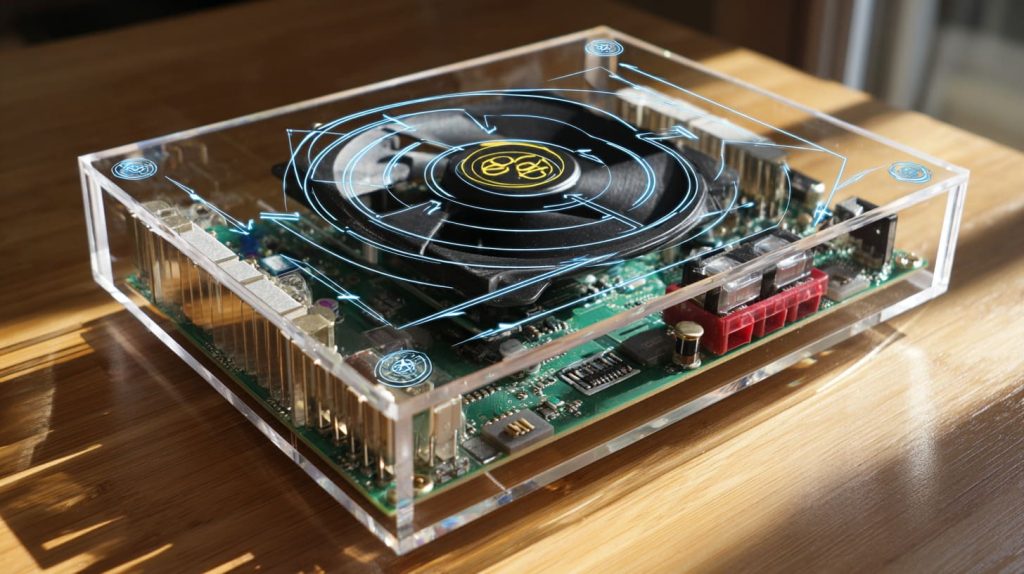
Fan orientation tips:
- Use intake fans to pull cool air in from one side.
- Use exhaust fans to push hot air out the other.
- Diagonal airflow works great in small enclosures.
When I mounted dual fans—one in, one out—I shaved off an extra 5°C. That helped during stress tests and long rendering jobs.
Do dual-fan Raspberry Pi cases really reduce temperature?
Marketing sometimes exaggerates. But the good ones deliver.
Yes, dual-fan Raspberry Pi cases help regulate internal airflow and can reduce system temperature by 15°C or more.
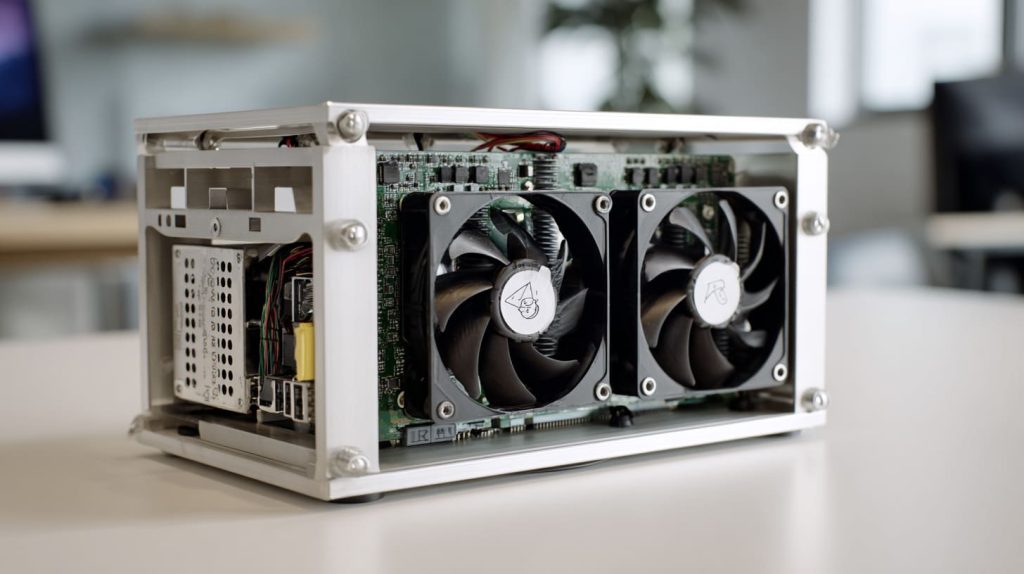
What I noticed using dual-fan cases:
- Better airflow consistency
- Lower temps during gaming or CPU benchmarks
- No weird thermal pockets
Of course, not all dual-fan cases are built equally. I prefer cases with aluminum bodies that help dissipate heat better than plastic shells.
Conclusion
Adding an extra fan is a small mod that delivers big stability.




