Skip to content


There was a Raspberry Pi 5 on my desk, still warm from a morning benchmark, and right next to it sat a Pi Zero 2 W, barely larger than a USB drive. I had just finished reviewing a shipment checklist for a client in Germany when that familiar question crept back into my head: which of these actually belongs next to a modern computer?
It sounds simple at first—until you realize just how many ways people use Raspberry Pi boards today. From desktop coding rigs to smart gateways, from AI at the edge to media streamers in the living room, the right board depends on far more than clock speed. And if you're ordering hundreds or thousands at once, a small mismatch can quickly snowball into wasted budget, delays, or worse—unsold inventory.
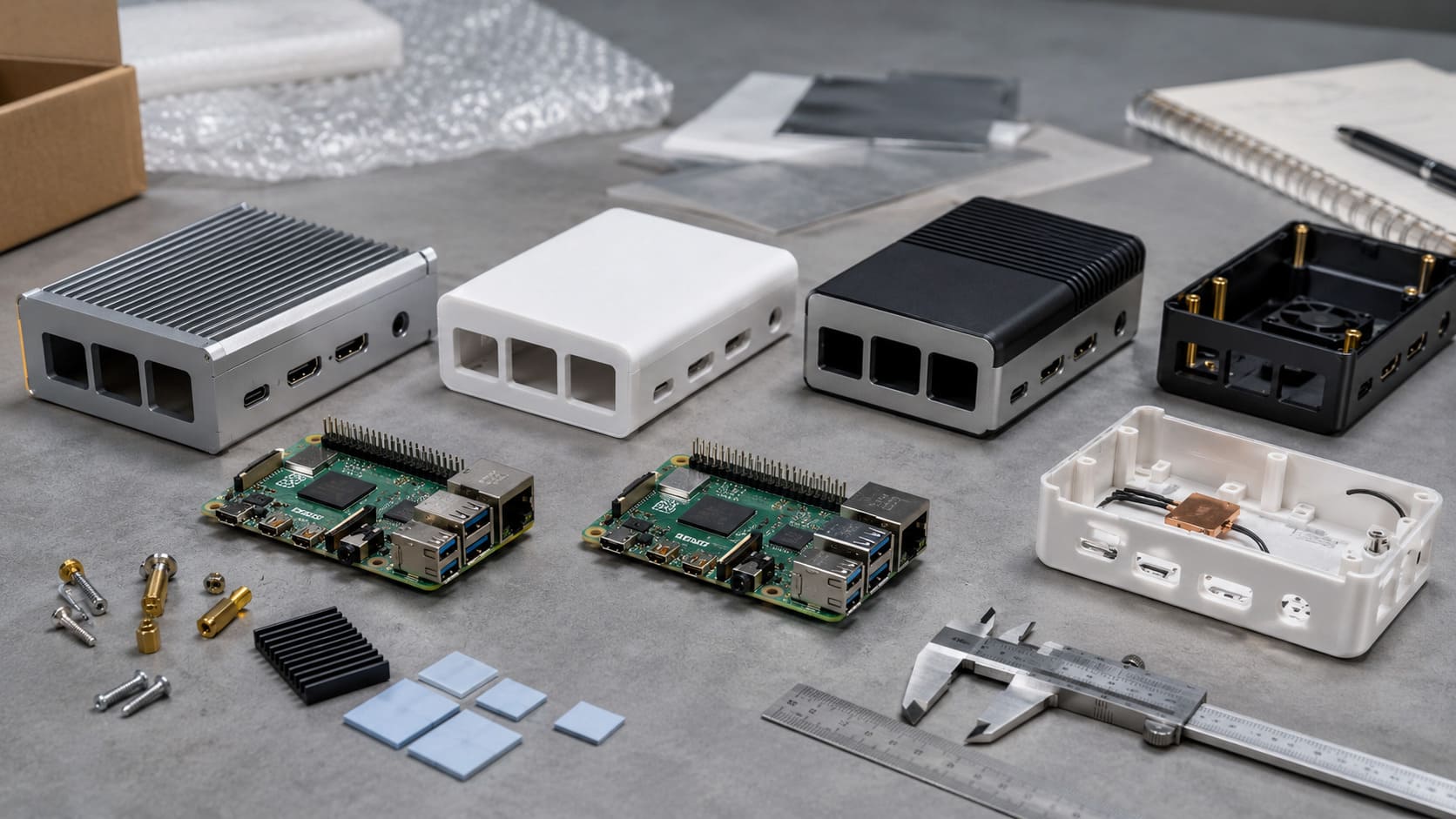
That’s why I put this guide together. Whether you're sourcing for a retail bundle, speccing a re‑brand kit, or customizing a Pi enclosure to fit your project’s thermal profile, this article will walk you through how I (and many of my clients) narrow the choices, reduce risk, and match the right Pi to the job.
Let’s break it down step by step—from the job you want it to do, to the board that’s built to handle it.
Step 1 – Clarify Your Application Needs
Identify the primary workload
I begin with a blank notebook page. At the top I write the task: “What will this Pi do every day?”
- Desktop companion – runs VS Code and light browsing.
- Media streamer – pushes 4K video to the living‑room TV.
- IoT gateway – collects sensor data and forwards it to the cloud.
- Edge‑AI node – crunches camera feeds at the factory gate.
- Industrial controller – opens valves, logs temps, never blinks.
Real example: Jacky in Belgium once ordered Pi 4 boards thinking they would power an AI dashboard. We tested one; frame rates crawled. We pivoted to Pi 5s with a tiny GPU accelerator. Lesson learned—define the job first.
Performance vs. power budget
| I draw two columns: speed and heat. More GHz feels great until the thermal throttle kicks in. | Workload | Typical CPU Load | Safe Power Draw | Cooling Needed |
|---|---|---|---|---|
| Remote desktop | Medium | 5 W | Small heatsink | |
| 4K media | High spikes | 8 W | Fan case | |
| Edge AI | Sustained high | 10 W+ | Heat‑pipe cooler |
Environmental constraints
Factories shake. Kiosks bake in sunlight. Servers hide in quiet racks. I ask:
- How hot?
- How dusty?
- Any vibration?
- Compliance tags needed?
A Pi Zero inside a vending machine loves low power but hates vibration. A Compute Module in a DIN‑rail case survives both.
Hold that image of the working environment—we’ll map specs to it next.
Step 2 – Map Needs to Core Hardware Specs

CPU & GPU requirements
The Pi 5’s Cortex‑A76 cores hit 2.4 GHz. The Pi 4’s A72 tops at 1.8 GHz. For raw math or dual 4K video, I reach for the A76. For basic dashboards, the A72 is fine.
Memory considerations
I used to think every board needed 8 GB. Then a headless Zigbee gateway proved happy on 1 GB for a year. Rule of thumb:
- 1 GB – simple services, SSH only.
- 4 GB – light GUI, single 4K screen.
- 8 GB – heavy browser tabs, Docker stacks.
- 16 GB – compile farms, AI models.
Storage & I/O throughput
If I boot from microSD, I budget time for card swaps. On Pi 5 I mount an NVMe drive with a PCIe adapter; system updates feel instant.
Connectivity essentials
Built‑in Wi‑Fi 5 and BT 5 meet most needs. For remote cameras I add PoE hats to cut extra power bricks.
Now that the spec sheet matches the to‑do list, let’s see how each Pi model lines up.
Step 3 – Compare the 2025 Raspberry Pi Line‑up

| Model | RAM Options | Key Ports | Typical Use | My Quick Take |
|---|---|---|---|---|
| Pi 5 | 2–16 GB | Dual HDMI 2.1, PCIe 2.0 | Desktop, AI edge | “Fast but runs warm.” |
| Pi 4 B | 2–8 GB | Dual HDMI 2.0, USB 3 | Media, labs | “Sweet spot for price.” |
| Pi 3 B+ | 1 GB | Single HDMI, 100 MbE | Legacy, low heat | “Stable, still a workhorse.” |
| Pi Zero 2 W | 512 MB | Mini HDMI, Wi‑Fi | Embedded, tiny | “Pocket automation.” |
| CM4 | 1–8 GB + eMMC | PCIe, Dual CSI | Industrial, OEM | “Carrier‑board freedom.” |
| Pi 400 | 4 GB | Built‑in keyboard | Kiosks, edu labs | “All‑in‑one simplicity.” |
| Pico W | 264 KB | Wi‑Fi, GPIO | Real‑time control | “Microcontroller, not SBC.” |
A Belgian wholesaler once tried to save pennies with Pi 3 boards for dual‑screen signage. The content stuttered. We swapped them for Pi 4 B 4 GB units and met the rollout deadline—my stress level dropped with the frame skips.
We have pieces on the table; let’s snap them into real scenarios.
Step 4 – Match Models to Typical PC‑Companion Scenarios

Secondary Linux desktop / remote coding node
I boot a Pi 5 from NVMe, plug in two 27‑inch monitors, and code over SSH while the board stays silent under a 40 mm fan.
Media‑center or thin client
Pi 4 B with 4 GB RAM streams 4K HDR all evening. CEC lets the TV remote do the work. A small IR sensor case keeps dust out.
Home‑automation gateway
Pi 3 B+ burns only 3 W at idle, keeps Zigbee2MQTT and Home Assistant happy. It sits on a shelf behind my router.
Industrial monitoring & edge AI
CM4 with PoE+ hides in a steel cabinet at a bottling plant. It pulls high‑res images, runs an ONNX model, and flags defects in real time.
Portable cyberdeck or kiosk
Pi 400 lives inside a 3D‑printed shell with a battery pack. Visitors at trade shows slam keys; the unit never budges.
One scenario likely echoes your project. Still, let’s be sure the Pi will speak nicely with the rest of your PC gear.
Step 5 – Ensure Compatibility with Existing PC Ecosystems
Display & graphics interfaces
Pi 5 supports HDMI 2.1, yet some legacy projectors choke at 4K 60. I keep a cheap HDMI‑to‑VGA adapter in my kit. Dual screens need matched EDID or one panel may blink.
USB peripherals & HID integration
Keyboards draw 100 mA on average. Add a 5 Gbps SSD and power spikes trip cheap hubs. I budget at least 3 A on USB‑C to stay safe.
Network & file‑sharing workflows
For large log files I enable NFS on my NAS. When teams need cross‑platform access, Samba shares win. VLAN tags isolate test rigs from office traffic.
| Interface | Common Issue | Simple Fix |
|---|---|---|
| HDMI | Screen flickers | Force hdmi_safe=1 in config.txt |
| USB | Drive disconnects | Use powered hub |
| Ethernet | Packet loss | Test with iperf, swap cable |
Tech stacks look friendly now, but budgets have the final word.
Step 6 – Budget & Availability in 2025
Price tiers and SKU matrix
| Board | Street Price* | Typical MOQ | Lead Time |
|---|---|---|---|
| Zero 2 W | $15 | 200 | 1 week |
| Pi 3 B+ | $35 | 100 | 1 week |
| Pi 4 B 4 GB | $55 | 100 | 2 weeks |
| Pi 5 8 GB | $95 | 50 | 3 weeks |
*Prices shift; always ping me for today’s quote.
Supply‑chain resilience & lead times
Post‑pandemic supplies look stable, yet flagship Pi 5 16 GB boards move fast. I lock in quantities early and split shipments if deadlines loom.
OEM/ODM & branding opportunities with MaidaTech
We laser‑engrave logos, pre‑install heatsinks, and drop units into retail boxes. Davide once saved a full week of relabeling by letting us handle stickers on the line.
Seen the numbers? Good. Before you hit “purchase,” double‑check the small parts.
Step 7 – Accessory Checklist Before You Order
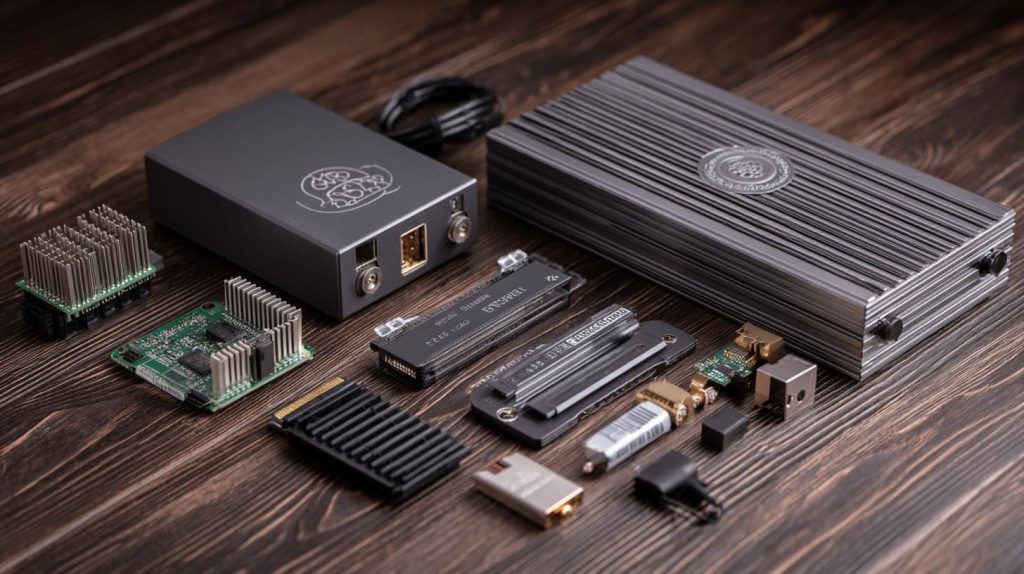
Reliable power & cooling
- 27 W USB‑C PD supply – my default for Pi 5.
- Heat‑pipe cases – drop CPU temps by 15 °C under load.
Enclosures & mounting
DIN‑rail brackets keep CM4 boards snug in cabinets. For retail kiosks I pick VESA plates behind the screen with our logo etched on brushed aluminum.
Storage & expansion
NVMe M.2 carriers over PCIe on Pi 5 blow past microSD speeds. Yet SD cards still win for quick imaging in labs.
Compliance & certifications
My factory runs ISO 9001 QMS. Boards ship with CE & FCC docs in the carton so customs officers smile.
Accessories packed? Let’s wrap up with buying tactics that keep headaches away.
Step 8 – Procurement Best Practices for B2B Buyers
Vet suppliers & avoid clones
I cross‑check the approved reseller list and ask for Pi Trading invoices. Clones often miss the Raspberry Pi Foundation hologram; I inspect every tray on arrival.
Quality control & inspection
First‑article reports catch solder flights early. We run 24‑hour burn‑in on 5 % of each batch. Failures rarely top 0.5 %.
Logistics & shipping insights
I weigh DDP vs FOB each time. For tight launch dates, air freight wins. For price, sea freight plus a bonded warehouse in Rotterdam keeps EU VAT simple.
After‑sales & technical support
Firmware evolves. I keep an image archive per batch. If a kernel update breaks a driver, we roll back in minutes, not days.
Follow these habits and your inbox stays calm. Promise.
Conclusion
Choosing a Raspberry Pi is a chain of small decisions: workload → specs → model → accessories → reliable supplier. I grab Pi 5 for raw speed, Pi 4 B for balanced value, and Zero 2 W when space rules the day.
Need boards ready for shelves? Email me at vincent@maidatech.com. My team and I will box, brand, and ship the Pi that fits your computer—and your business—perfectly.