
A short text popped up on my screen yesterday—just four words from a client in Belgium:
“Pico or full Pi?”
That question might sound simple. But for anyone in the business of sourcing, rebranding, or building around Raspberry Pi hardware, it’s the kind that opens a whole thread of follow-up.
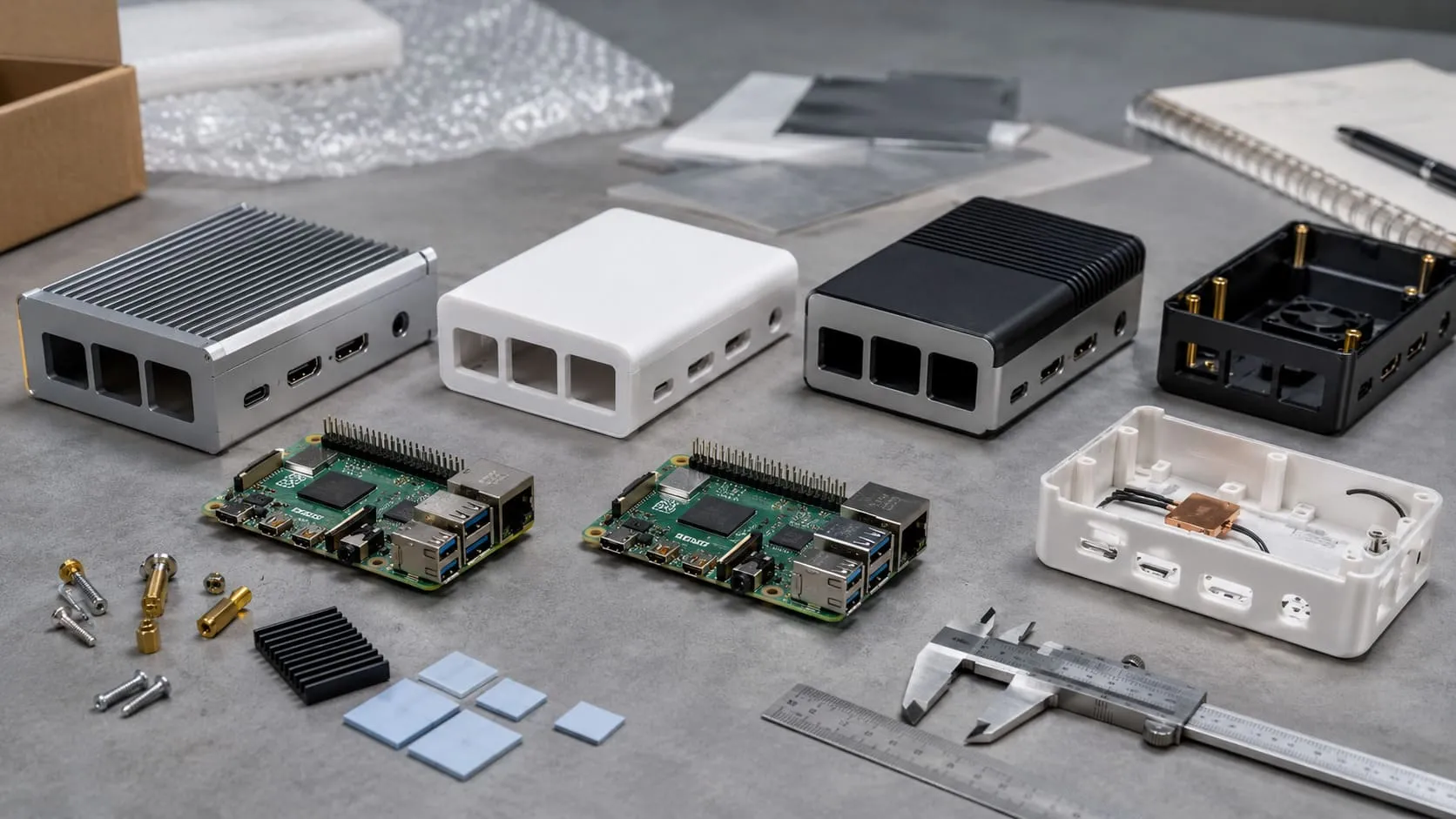
In our workshop, I had both boards on the bench. The Raspberry Pi Pico sat quiet and compact, no SD card, no HDMI, just pins and purpose. Right beside it, the Pi 5 was still warm from a test run—its fan humming softly, ports lined like a mini desktop PC. These two aren’t just versions of the same thing. They’re entirely different tools for entirely different jobs.
And yet, many of our clients—especially those building brands on Amazon or assembling ODM kits—often treat them like they’re interchangeable.
Let’s break it down properly. Not just by specs or datasheets, but through real-world use cases, power needs, design flexibility, and the choices B2B buyers like Davide or Lasle actually face when launching a new product line.
Sometimes, the answer isn’t in the chip—it’s in the context.
What Exactly Is a Raspberry Pi Pico?
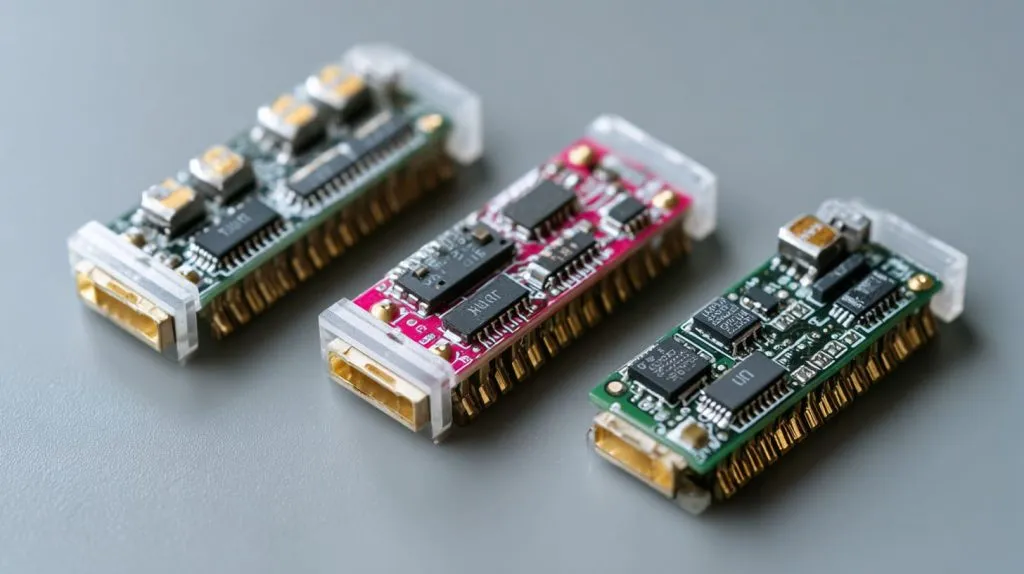
Microcontroller basics (RP2040 dual-core Cortex-M0+)
The Pico runs on the RP2040 chip. Two Cortex-M0+ cores idle at 133 MHz—not blistering, but perfect for pulse-width magic or timed sensor reads. No operating system sits on top; it boots straight into your firmware.
Memory, clock speed & on-board features
You get 264 KB of SRAM and 2 MB of QSPI flash. Need more? The chip can address up to 16 MB on an external flash if your design allows.
Variants in the Pico family (Pico H, Pico W, Pico WH)
- Pico H adds pre-soldered headers.
- Pico W tacks on 2.4 GHz Wi-Fi—handy until you notice current draw jumps seven-fold when the radio never sleeps.
- Pico WH simply mixes both perks.
Small specs, sure—but they punch above their weight when timing rules the project.
How “Full-Sized” Raspberry Pi Boards Differ
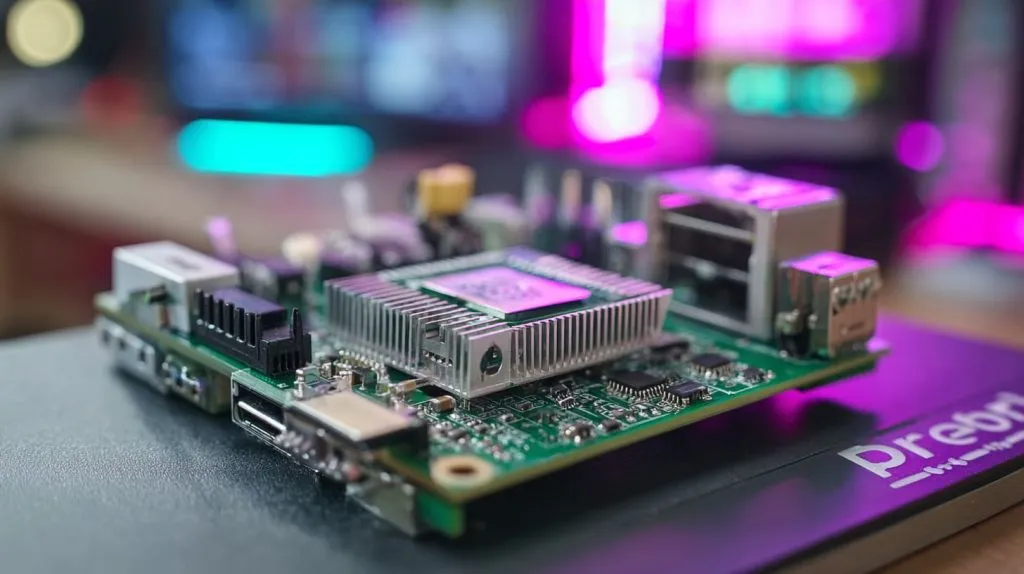
Single-board-computer architecture (Pi 4, Pi 5, Zero 2 W)
Full Pis run application processors. The Pi 5’s BCM2712 pushes four Cortex-A76 cores at 2.4 GHz—roughly a modest laptop from five years ago.
Typical hardware stack: CPU, RAM, storage, wireless, I/O
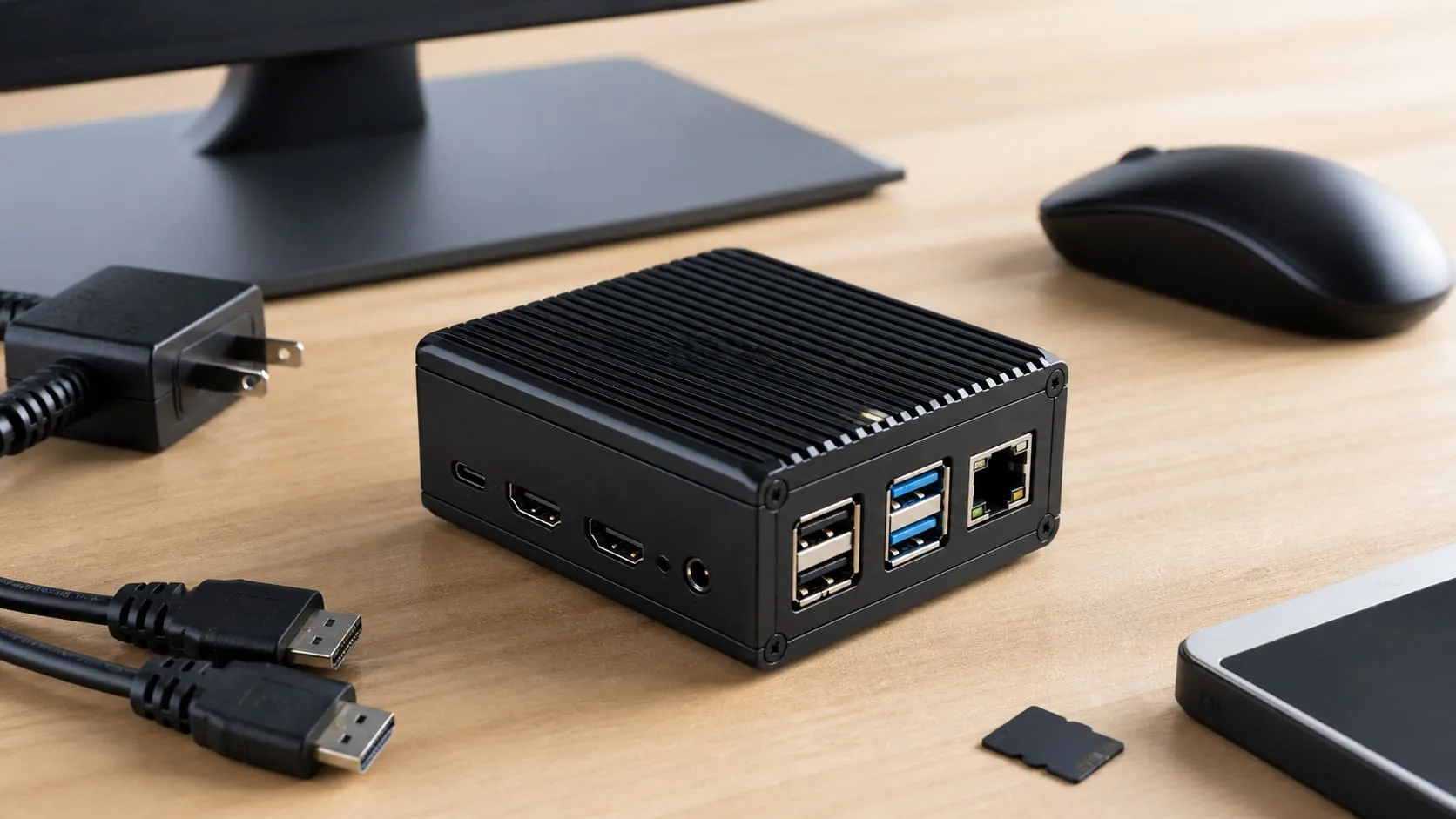
They bundle up to 8 GB of LPDDR4, dual HDMI, PCIe lanes, and gigabit Ethernet. Pop in a microSD and you’re a bootloader away from a desktop.
Linux & other OS options vs bare-metal firmware
Because they boot Linux, you gain Bash, Docker, and cloud agents—but you also inherit updates, file systems, and thermal limits. Bare-metal on Pico feels like writing with a permanent marker; Linux is a whole notebook.
If a Pico feels like a digital wrench, the full Pi is closer to a Swiss Army knife—clever but heavier.
Core Architectural Differences
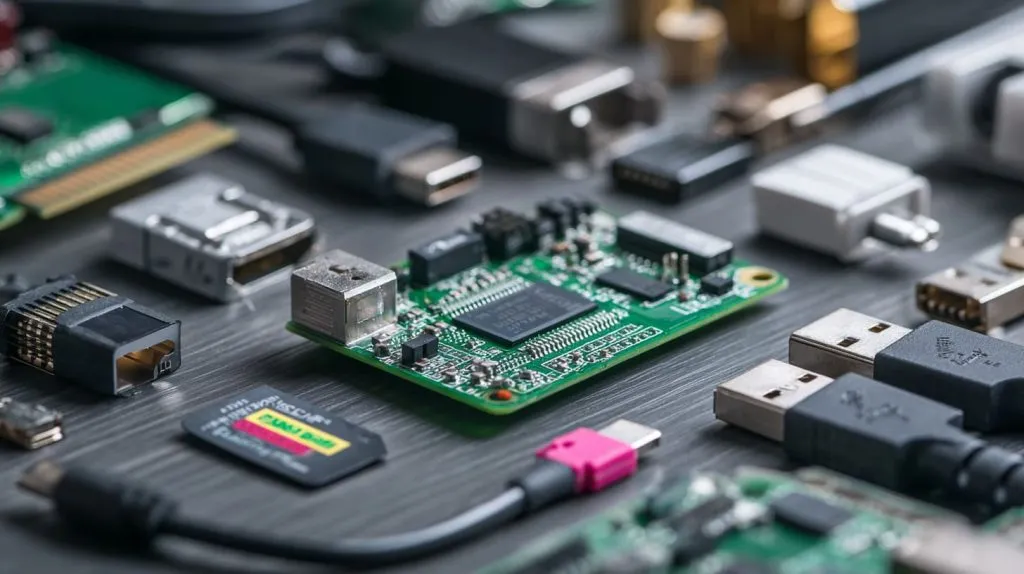
Applications processor vs microcontroller cores
A-class cores cache instructions for multitasking; M-class cores keep interrupt latency low. The first loves spreadsheets, the second loves timers.
System-on-Chip layout, RAM/flash, external storage
| Spec | Pico | Pi 5 | What it means for OEM builds |
|---|---|---|---|
| On-chip RAM | 264 KB | 0 KB (uses LPDDR) | Pico firmware must stay lean |
| External storage | Up to 16 MB flash | microSD, NVMe via PCIe | Pi handles media files with ease |
| GPIO lanes | 26 | 40 | More lanes but slower toggle on Pi |
Power management & thermal design
The Pico sips milliamps and stays cool. A naked Pi 5 under load can hit 85 °C in 9 seconds if you skip a heatsink.
Two roads diverge: one leads to deep sleep, the other to a cooling fan.
Operating System & Software Ecosystem
Bare-metal C/C++ & MicroPython on Pico
Flashing new code is drag-and-drop—no package manager, no boot logs. Debug with SWD pins or a $10 probe.
Debian-based Raspberry Pi OS & alternatives on Pi boards
APT gets you databases, Node-RED, or a full Qt GUI in minutes. Updates keep security tight but chew bandwidth.
IDEs, SDKs, and community libraries for each platform
Visual Studio Code pairs well with Pico SDK; meanwhile, the Pi crowd leans on Thonny, Docker, and GitHub. Both communities answer questions faster than my first coffee.
Firmware or full OS—the tool you pick shapes the hours you spend compiling vs configuring.
I/O, Peripherals, and Expansion
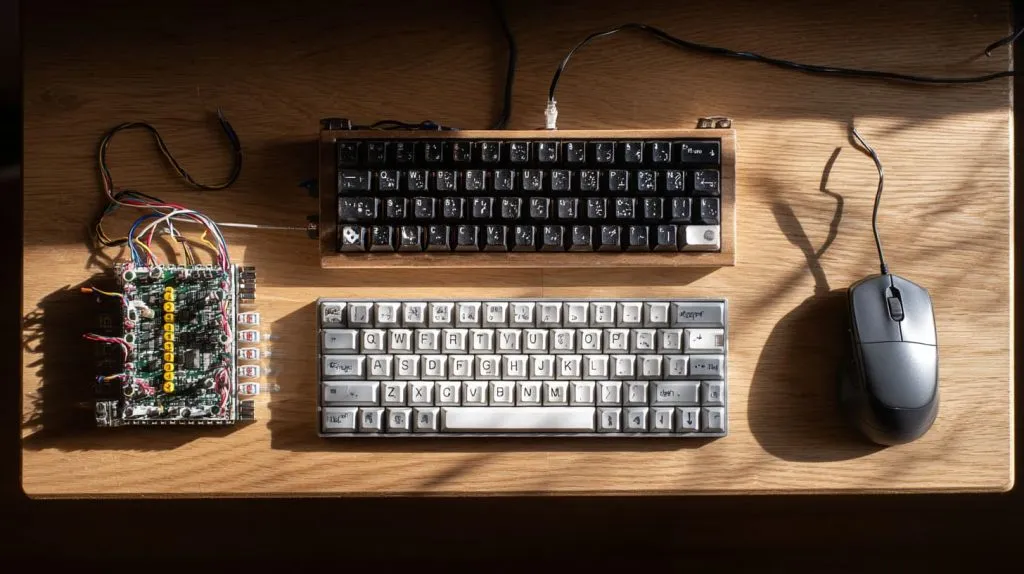
GPIO counts, analog inputs, PIO state machines (Pico)
Pico’s Programmable I/O blocks mimic SPI, I²C, or weird protocols in pure silicon. That frees the cores for maths.
HAT standard, CSI/DSI, PCIe, Ethernet, Wi-Fi/Bluetooth (Pi)
Need a camera ribbon, M.2 SSD, or PoE hat? The Pi delivers—all while streaming over gig-Ethernet.
Real-time control vs high-level connectivity
Think of a laser engraver’s step pulse: the Pico nails it to the microsecond. A Pi can tweet the print progress.
Wires, buses, and blink-again LEDs—choose your battlefield.
Performance & Power Consumption
| Metric | Pico | Pi 5 (4 GB) | Field Note |
|---|---|---|---|
| Max clock | 133 MHz | 2.4 GHz | 18× faster integer math |
| Typical idle power | 6 mW (sleep) | 2.7 W (new 2 GB model) | Pi drains a phone-sized pack in ~4 h |
| Wi-Fi active | 45 mAh/h (Pico W) | 350 mAh/h | Duty cycle matters |
Clock speeds, benchmarks, and latency considerations
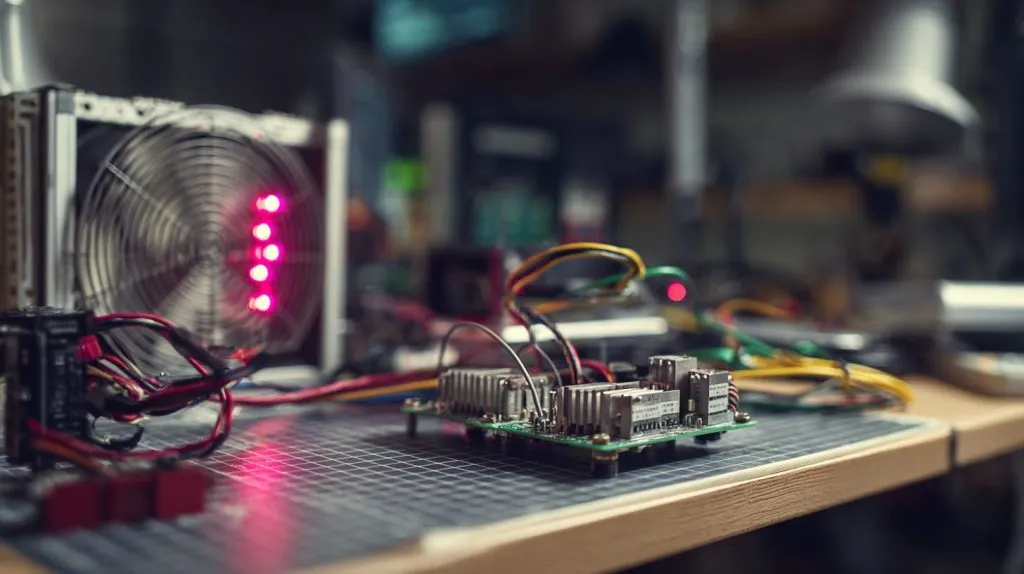
Pi wins raw hash scores. Pico wins interrupt jitter—sub-microsecond toggles make motor drivers smile.
Idle/active power draw and battery-friendly design
For solar sensors I aim <10 mA average. That’s Pico territory.
Thermal throttling on SBCs vs low-heat microcontrollers
Without airflow, a busy Pi steps down to 1.5 GHz quickly to save itself.
Heat or battery—pick the constraint before you pick the board.
Cost, Availability, and Form-Factor
| Board | MSRP (USD) | Size (mm) | Stock trend (2025) |
|---|---|---|---|
| Pico | $4 | 21 × 51 | Stable reels available |
| Pico W | $6 | 21 × 51 | Minor Wi-Fi chip delays |
| Pi 5 4 GB | $60 | 67 × 85 | Backorders easing since Q1 2025 |
Board sizes, headers, and mounting options
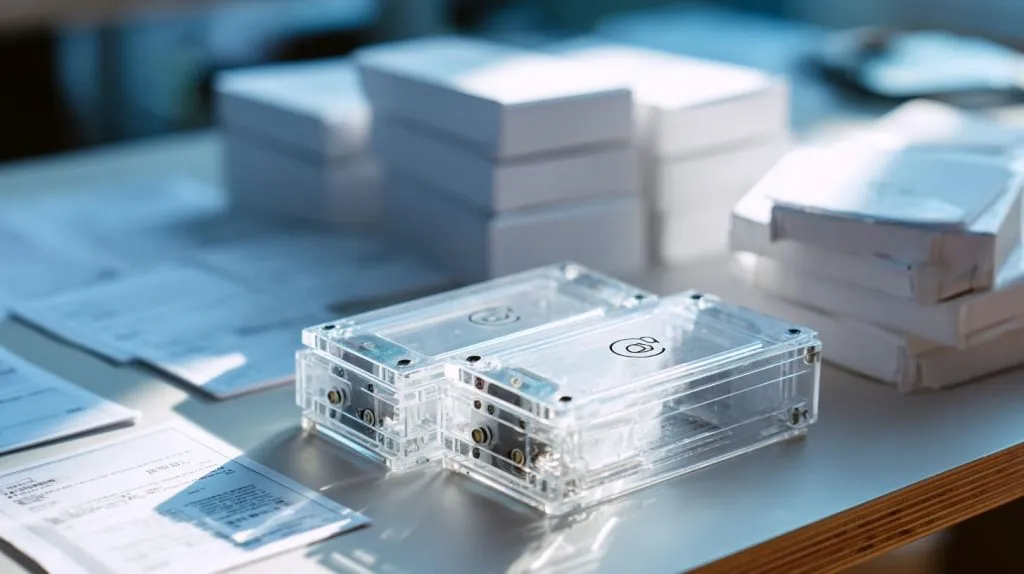
Pico’s castellated edges solder onto daughterboards. Pi fix-holes line up with our acrylic cases—Davide loves that for branding.
Licensing & clone ecosystem
RP2040 is open enough that licensed clones now pop up. Pi silicon remains proprietary; good for consistency, tricky for copycats.
Price tags tell one story; lead-times tell the sequel.
Typical Use-Case Scenarios
Embedded sensing & low-power automation (Pico)
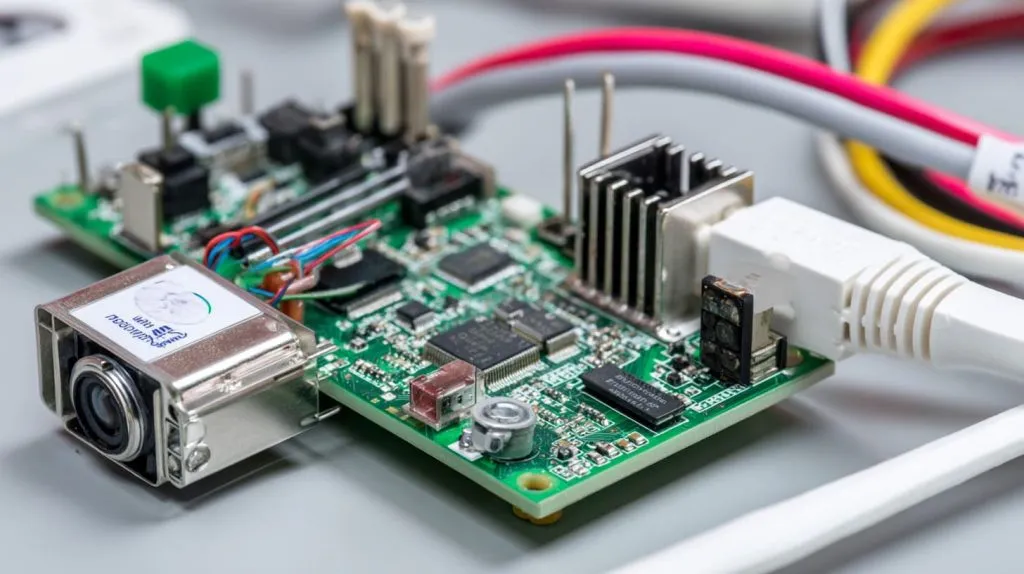
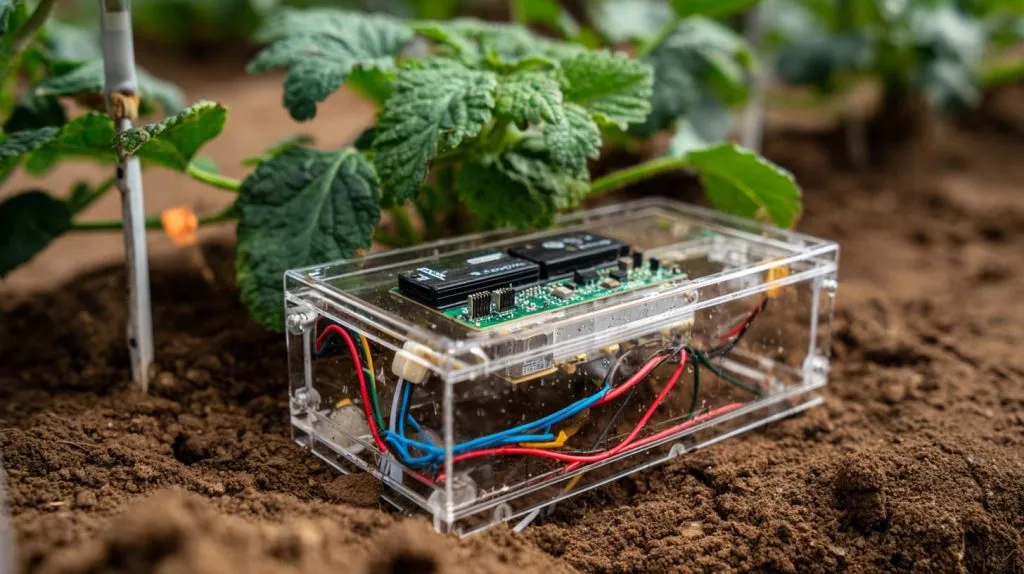
I once shipped 500 Pico-based soil probes to a Dutch greenhouse. They run on AA cells for a season, wake every ten minutes, and push data via LoRa.
Edge computing, media, and networking (Pi 4/5)
Lasle used a Pi 5 to transcode surveillance feeds on-site, avoiding cloud fees. The extra PCIe lane took a cheap NVMe cache and smoothed 4K playback.
Hybrid designs—using Pico as a real-time co-processor
Some clients mount a Pico on the Pi’s UART header. Pi streams data to the cloud; Pico handles encoder ticks. Best of both worlds.
Projects bloom when you match horsepower to the actual job, not the marketing spec.
Choosing the Right Board for Your B2B Project
Decision matrix for OEM/ODM re-brand clients
| Question | Lean toward Pico | Lean toward Pi |
|---|---|---|
| Battery life critical? | ✔ | |
| Need HDMI or PCIe? | ✔ | |
| Logo laser-engraved case? | ✔ | ✔ |
| Firmware updates OTA? | ✔ |
Impact on certification, logistics, and unit economics
Pico ships under HS Code 854231. No radio means fewer FCC hoops. Pi 5 has Wi-Fi/BLE; budget extra lab days.
Case-study snapshots: Davide (private-label) vs Lasle (custom ODM)
Davide sticks logos on clear acrylic cases; margins grow when board cost stays under $10. Lasle cares less about unit price, more about I-O flexibility—Pi 5 wins his vote this quarter.
A clear chart beats a thousand Slack threads when deadlines creep in.
Development Workflow & Time-to-Market
Prototyping speed, tooling costs, and firmware update paths
Pico: flash over USB in seconds. Pi: burn an SD once, then push updates with Ansible—handy for 1,000-unit fleets.
Manufacturing considerations: flashing, testing, QC
We run three lines. Picos get pre-programmed on a pogo-pin jig; Pis slide into acrylic cases where we scan serials for traceability.
Community support & long-term maintenance
Stack Overflow answers Pico timer quirks by lunch. Pi forums post kernel patches before your coffee cools.
Fast firmware, fast freight—both matter when the PO says “ship next Wednesday.”
Conclusion
Choosing between Pico and a full Raspberry Pi isn’t about which board is “better.” It’s about fit. The Pico slips into low-power roles where every milliamp matters. The Pi 5 brings desktop muscle to the edge of a network. Our job, whether we’re branding cases for Davide or sketching a fresh enclosure for Lasle, is to weigh those trade-offs early—before the stencil hits the SMT line. Pick wisely, and the next late-night message in my inbox will be a thank-you photo instead of a panic emoji.