
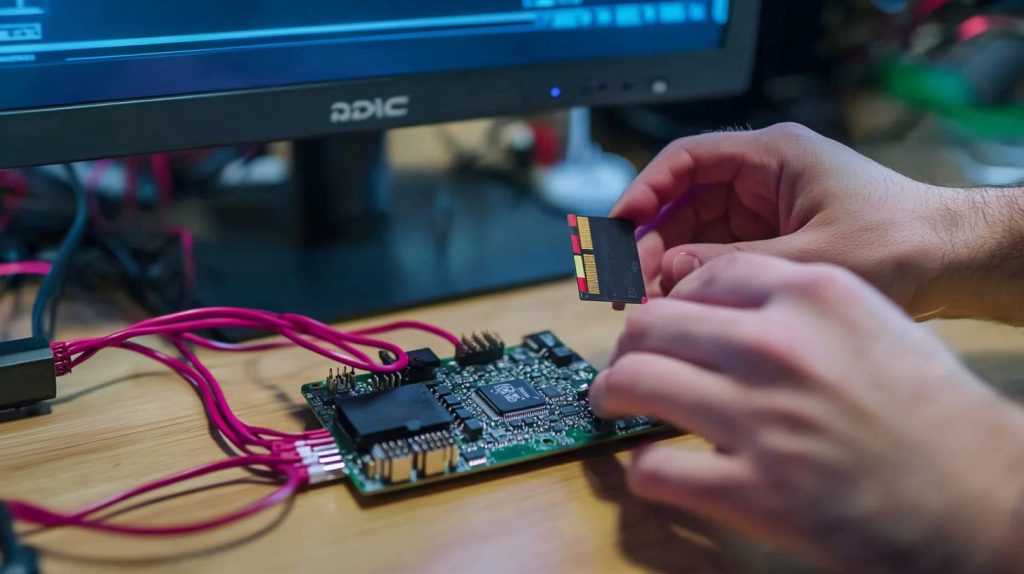
I felt overwhelmed when I first heard about Raspberry Pi. I saw others building robots and mini servers. That longing grew, so I decided to figure out the basics.
The first steps to take with a Raspberry Pi usually involve gathering the essential hardware, preparing a microSD card, and installing an operating system. Then, connect everything and power it on to begin using it.
I remember fumbling with cables and asking myself if I had the correct SD card. That small panic pushed me to keep going. Let me share what I learned so you can skip that stress.
What Do You Need To Start A Raspberry Pi?
I recall opening the tiny Pi box, feeling curious but unsure. You only need a board, a microSD card, a power supply, and an HDMI cable to see results.
You need a Raspberry Pi board, microSD card, power adapter, and video output like a monitor to begin. Optional extras include a keyboard, mouse, and Ethernet cable for more convenience. This hardware ensures you can start without complications.

I often compare this to cooking. You gather ingredients before anything else. Here is a simple overview:
| Item | Purpose | Note |
|---|---|---|
| Raspberry Pi Board | The main computer module | Choose any Pi model |
| MicroSD Card | Stores the OS and files | 16GB or more recommended |
| Power Supply | Provides stable power | 5V 3A for newer models |
| HDMI Cable | Connects Pi to monitor | Standard or micro HDMI |
| Monitor & Keyboard | Allows visual output & input | Any standard set |
I once found affordable Pi accessories that saved me from running around multiple shops. It made assembling everything easier.
How Do You Turn On A Raspberry Pi For The First Time?
My first attempt was hilarious. I plugged the Pi in without an SD card and got nowhere. Now I know the drill: slide in the prepared SD card, connect display and power, then watch the boot sequence.
Insert a prepared microSD card, attach your display and peripherals, and then power the Pi. It will boot into your chosen operating system, ready for setup and customization.
I learned to place the SD card first, secure the HDMI cable, and only then power up. When you see a rainbow screen or the OS interface, you’re in business.
Can A Beginner Use Raspberry Pi?
I worried about tech jargon when I started. Then I realized the Pi community is incredibly welcoming. Even if you’re brand new, you can build projects with plenty of step-by-step guides online.
Yes, a complete beginner can use Raspberry Pi. It offers a straightforward interface, plus countless tutorials make it easy to learn coding, electronics, and creative projects from scratch.
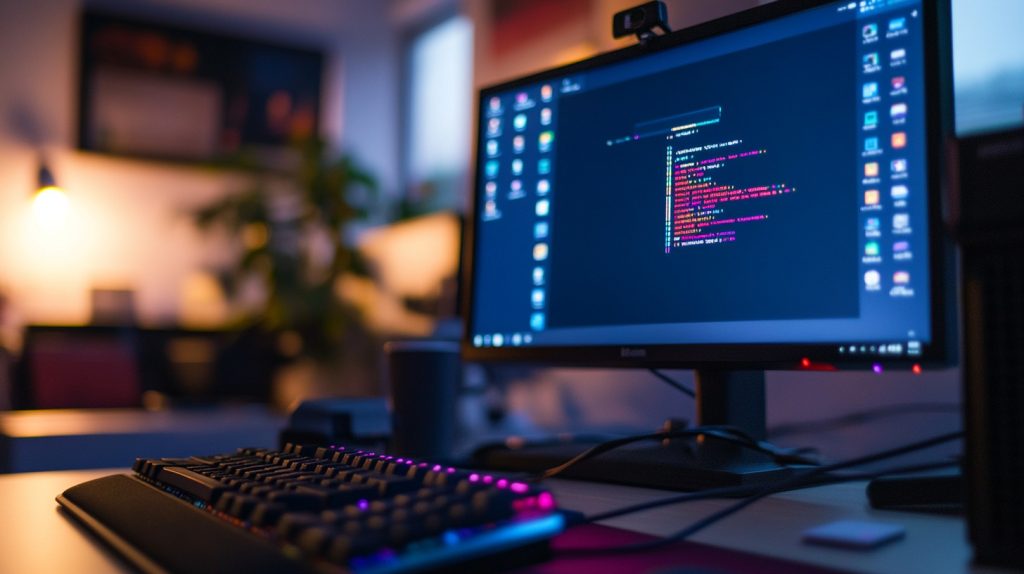
I see Raspberry Pi as training wheels for learning hardware and software. Start small, like blinking an LED, then move on to bigger experiments. Some novices even run their own web servers on it.
What Is The Requirement For Raspberry Pi?
It feels like setting up a compact computer. You need an OS on a microSD card, a stable power source, and basic cables. Additional components might be needed for specialized tasks.
A Raspberry Pi requires a compatible microSD card with an installed OS, a reliable 5V power supply, and cables for display or networking. These basics support most general-purpose setups.
If you want a desktop-like experience, you need enough memory, storage, and power. Different Pi models vary in RAM and ports, so choose the one that fits your goals.
How Long Does It Take To Start A Raspberry Pi?
Time depends on the OS and Pi model. Mine usually boots in seconds, though older models or full-featured operating systems might take a bit longer.
A Raspberry Pi commonly boots within 30 seconds, though complex operating systems or older hardware can extend this slightly. It remains quick and convenient for everyday use.
I’ve seen a rainbow splash screen appear almost instantly. It’s always exciting to watch the Pi spring to life.
What Operating Systems Are Compatible With Raspberry Pi?
Most people stick to Raspberry Pi OS (formerly Raspbian). Others try Ubuntu, RetroPie, or specialized distributions. The official OS is stable, but experimenting can be fun.
Raspberry Pi works with many Linux-based systems, including Raspberry Pi OS, Ubuntu, and RetroPie. Each caters to different needs, like development, gaming, or educational uses.

I keep multiple SD cards loaded with different systems. If I want retro gaming, I pop in RetroPie. For coding, I switch to Pi OS. It’s like swapping moods with a quick card change.
How Can I Connect Raspberry Pi To A Monitor And Keyboard?
It’s as simple as plugging in a standard desktop setup. Use an HDMI cable from Pi to monitor, then attach a USB keyboard and mouse. Voila, you’re ready to roll.
Use an HDMI cable to link Pi and monitor, and connect a USB keyboard or mouse. Once powered, Pi detects your input devices, making it function like a normal computer.
Some models have micro HDMI ports, so check if you need adapters. Wireless keyboards or mice are also fine, as long as the Pi supports the power draw of their USB dongle.
What Are Some Beginner Projects For Raspberry Pi?
When I began, I toggled an LED on and off. That tiny victory felt amazing. Later, I explored weather stations and retro gaming. You’ll find countless entry-level projects to explore.
Beginner Raspberry Pi projects often involve blinking an LED, creating a media center, or building a retro console. These projects spark hands-on excitement and help you learn step by step.
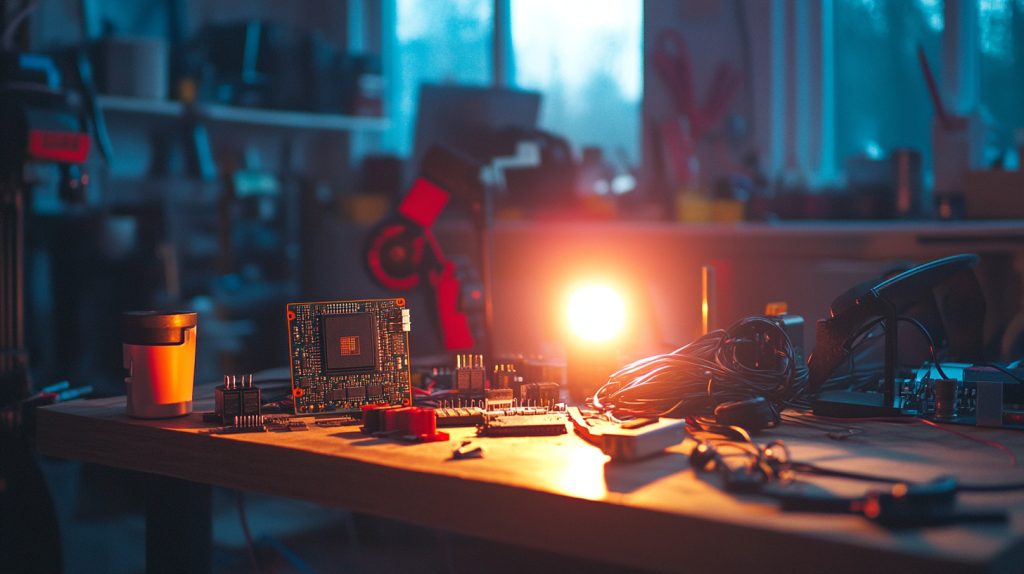
Coding with Python can open up many possibilities on Pi OS. If you want entertainment, a media center or simple server project is surprisingly accessible for newbies.
Conclusion
Raspberry Pi setup is simpler than you might think. Enjoy experimenting, and let curiosity lead the way.




