Skip to content


When your Raspberry Pi freezes, it feels like the smallest board creates the biggest problem.
A Raspberry Pi can lock up due to overheating, weak power supply, bad SD card, software errors, or unstable peripherals.
I once lost an entire weekend project because my Pi stopped responding mid-process. That moment pushed me to study every possible cause and solution.
Why does my Raspberry Pi keep freezing?
Every lock-up feels like a mystery. But most have common roots.
Raspberry Pi freezes usually come from overheating, unstable power, corrupted SD cards, or software conflicts.
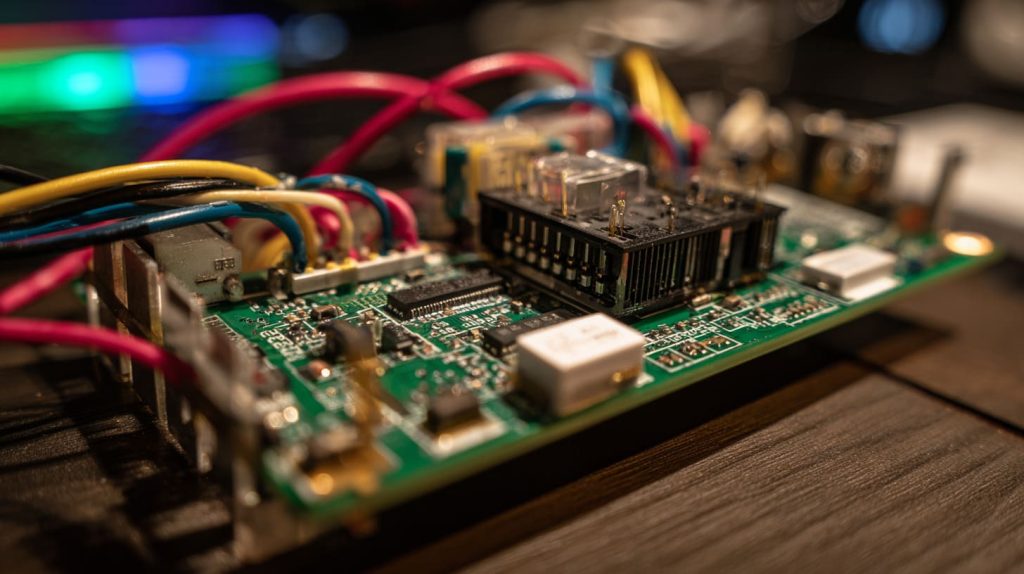
Common Triggers Behind Freezes
The Pi is simple hardware, yet small issues hit hard. A cheap power adapter can make voltage unstable. Dust or a hot room can trap heat. Even a low-quality SD card can trigger constant crashes. These are small details, but they decide stability.
How do I know if my Raspberry Pi is damaged?
When your Pi stops responding, you wonder if it’s broken.
Check physical burns, boot errors, or missing components to confirm damage. Most freezes are not permanent hardware failures.
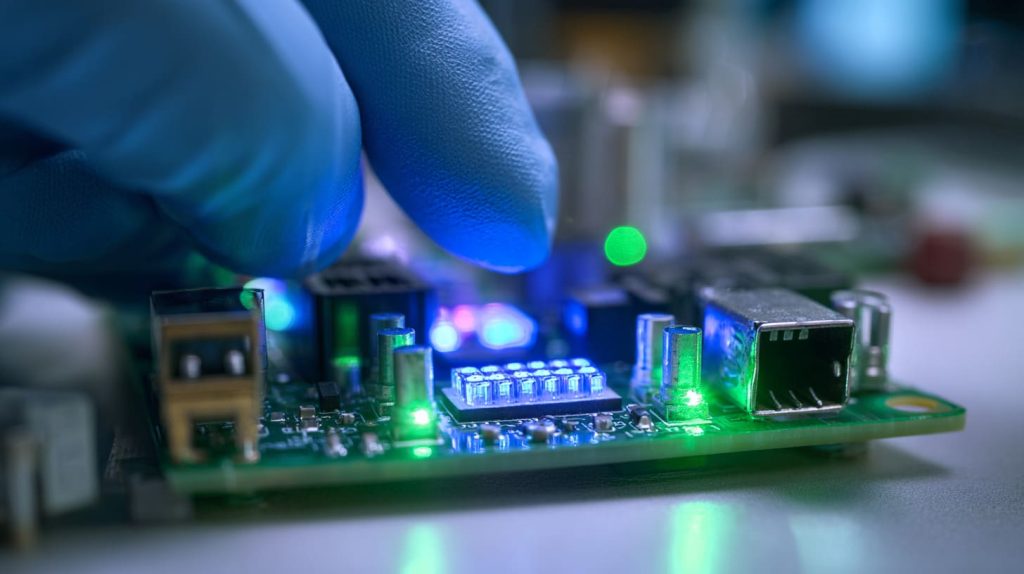
Signs of Possible Damage
Signs include:
- No LED activity after power-up
- Burning smell or visible marks
- HDMI not showing anything even with a fresh card
Most times, the board survives. Faulty parts like SD cards or cables are more likely the culprits.
Why does my Raspberry Pi keep freezing randomly?
Random crashes feel the most frustrating.
Unstable power, heat spikes, and corrupted SD data often cause random Pi freezes.

Hidden Causes of Random Freezes
Sometimes the Pi runs fine for hours, then suddenly locks. That’s usually a power dip or heat spike. Corrupted files on the SD card can also trigger crashes during certain tasks. It’s less about “random” and more about hidden triggers.
Can overheating cause a Raspberry Pi to lock up?
Heat is a silent enemy for small boards.
Yes, high temperatures can cause slowdowns, throttling, and total lockups.
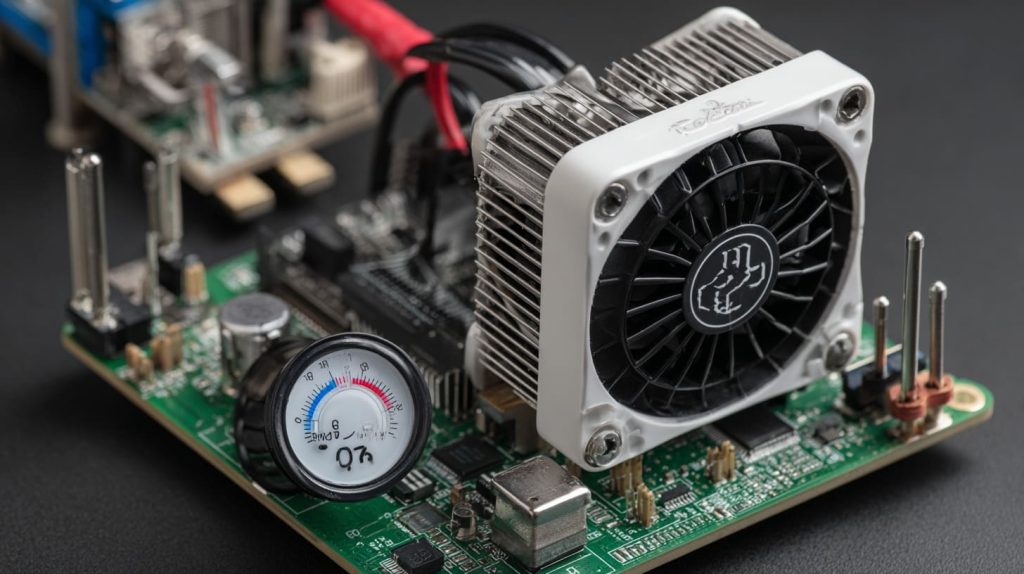
How Heat Impacts Stability
When a Pi goes above 80°C, it starts to throttle. Past 85°C, shutdown or lockup can follow. A small heatsink or fan makes a huge difference. I once placed a Pi inside a plastic box without airflow—it froze every 20 minutes until I added cooling.
How do power supply issues lead to Raspberry Pi crashes?
Weak power is a hidden but common problem.
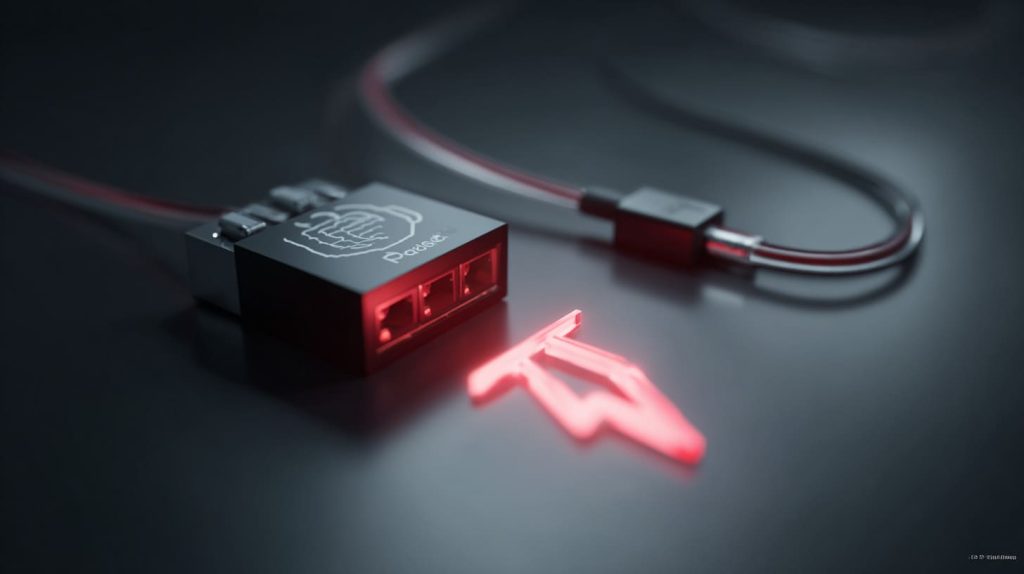
Low voltage or unstable current often forces a Pi to freeze or restart.
The Role of Power Quality
A 5V adapter may say “2A” but drop under real load. The Pi shows a small lightning bolt symbol on screen when undervoltage happens. If you see that, your power supply is guilty.
What role does an SD card play in Raspberry Pi lockups?
The SD card is the Pi’s hard drive.
Bad or corrupted SD cards are one of the top reasons for Raspberry Pi lockups.

Why SD Cards Fail
Low-quality cards wear out faster. They may write slower or drop data. This leads to boot failures or system crashes. I once reused an old card from a camera—after two weeks, the Pi froze daily until I swapped it with a better card.
| SD Card Type | Reliability | Typical Use |
|---|---|---|
| Cheap no-name | Low | Test only |
| Class 10 | Medium | General projects |
| Endurance / A1/A2 | High | Long-term OS use |
Can software updates or OS errors cause Raspberry Pi freezes?
Software can be just as guilty as hardware.
Yes, bad updates, corrupted packages, or buggy OS images can freeze a Raspberry Pi.

Software Pitfalls That Cause Freezes
I once updated my Pi, and after reboot it froze on login. The OS build had a bug. Re-flashing fixed it. Not every freeze is hardware—it can be the software stack too.
How much RAM is needed to prevent Raspberry Pi from hanging?
Memory is often overlooked.
Running heavy tasks on low-RAM models can cause hangs, especially with GUIs or browsers.

When RAM Limits Performance
A Pi Zero with 512MB RAM will struggle with multiple tasks. A Pi 4 with 4GB or 8GB RAM handles far more. Choosing the right model prevents frustration.
Do connected peripherals make a Raspberry Pi unstable?
Every cable adds risk.
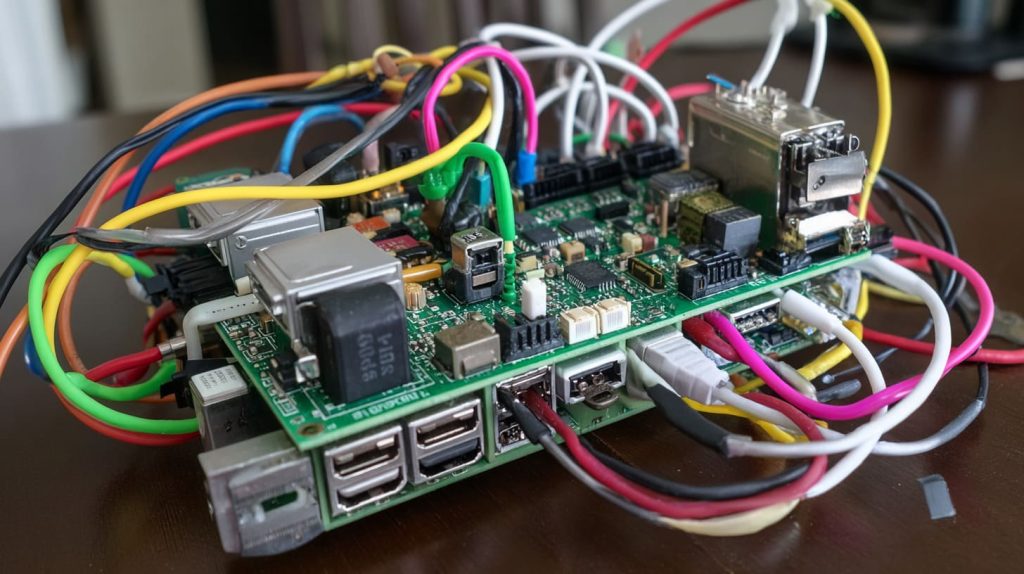
Faulty or power-hungry peripherals like USB drives can crash a Raspberry Pi.
How Peripherals Affect Stability
I once plugged in a portable hard drive. The Pi froze instantly—the drive drew more power than the Pi could handle. Using a powered USB hub solved it. Printers, webcams, and Wi-Fi dongles can also add instability.
What troubleshooting steps fix a Raspberry Pi that keeps locking up?
When it fails, you need steps—not guesses.
Start with cooling, check power supply, test a fresh SD card, and reflash the OS. Disconnect peripherals if issues continue.

A Step-by-Step Fix Approach
A structured approach works best:
- Add heatsinks or fans.
- Replace weak power adapters.
- Try a new, reliable SD card.
- Flash a clean OS.
- Test without peripherals.
If it still fails, hardware replacement may be the only path left.
Conclusion
Most Raspberry Pi freezes come from heat, power, or SD cards.