 Skip to content
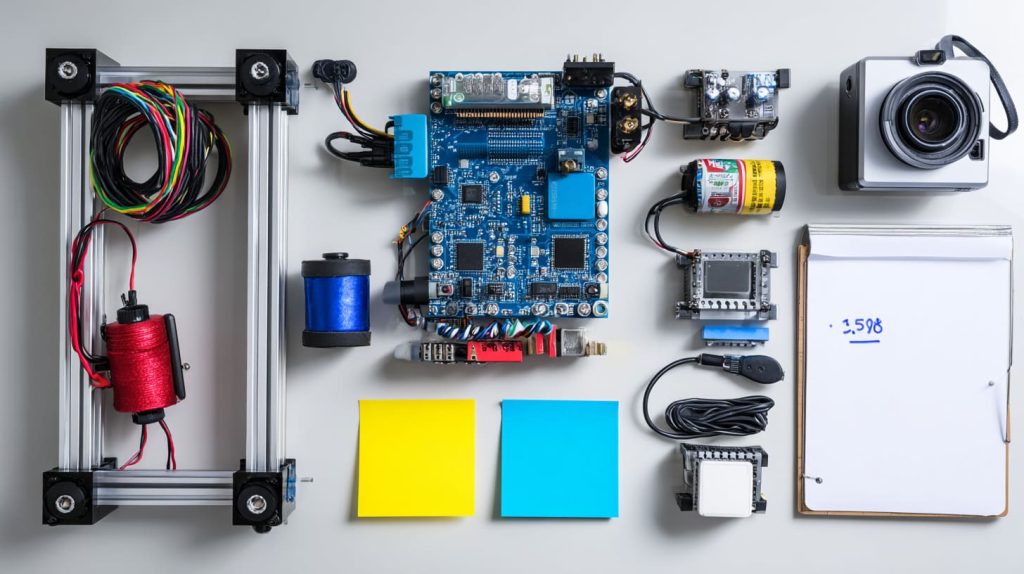
I often see the same hesitation before someone starts a robotics project. Not about skills—but about cost. Boards, motors, sensors, power. The list grows fast, and the budget feels out of control.
Raspberry Pi is one of the most cost‑effective ways to enter robotics because it combines computing power, connectivity, and flexibility in a single low‑priced board.
Still, price alone doesn’t tell the whole story. The real question is what you get for that money—and where Raspberry Pi makes sense, and where it doesn’t.
Is Raspberry Pi good for robotics?
I get asked this a lot by beginners and clients alike.
Yes, Raspberry Pi is great for robotics—it offers GPIO control, Linux-based flexibility, and a huge community for support.
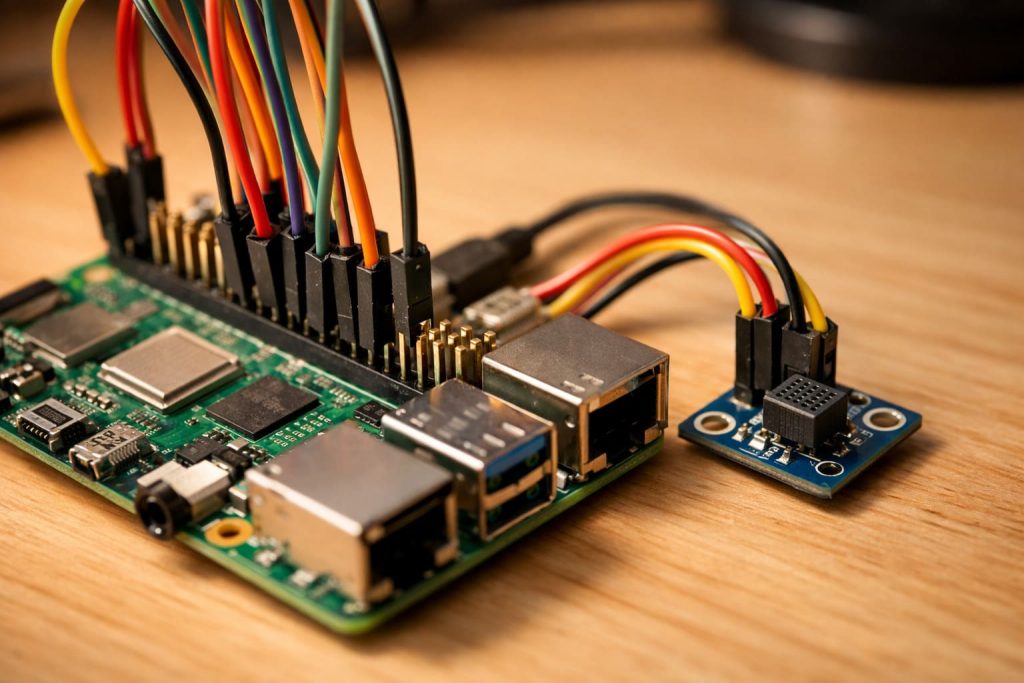
What makes it suitable?
- Built-in Wi-Fi and Bluetooth
- GPIO pins for sensors and actuators
- USB ports for cameras, keyboard, and controller
- Full Linux OS with Python and ROS support
| Feature | Raspberry Pi Advantage |
|---|---|
| Processing | Runs full OS, handles AI and vision tasks |
| Connectivity | Built-in wireless modules |
| Learning Curve | Slightly steeper but very flexible |
| Cost | Affordable for what it can do |
If you're looking to tinker, automate, and even run AI models—Raspberry Pi is a smart place to start.
Can you use a Raspberry Pi to make a robot?
The short answer? Absolutely.
You can use a Raspberry Pi as the central brain to control motors, sensors, and even cameras in a robot.

I once helped a friend build a line-following robot using only a Pi, motor driver board, and a couple of infrared sensors. No fuss. No Arduino. Just Python scripts and GPIO pins.
What kind of robots can you build?
- Line followers
- Obstacle avoiders
- Voice-controlled assistants
- Surveillance bots with camera modules
You can go simple or wild—it scales with your ambition.
What is the most powerful Raspberry Pi build?
When it comes to Pi-based robotics, power often means processing + connectivity + expandability.
A Raspberry Pi 5 with a cooling fan, camera, USB 3.0 accessories, and a good power supply makes the most powerful current build.
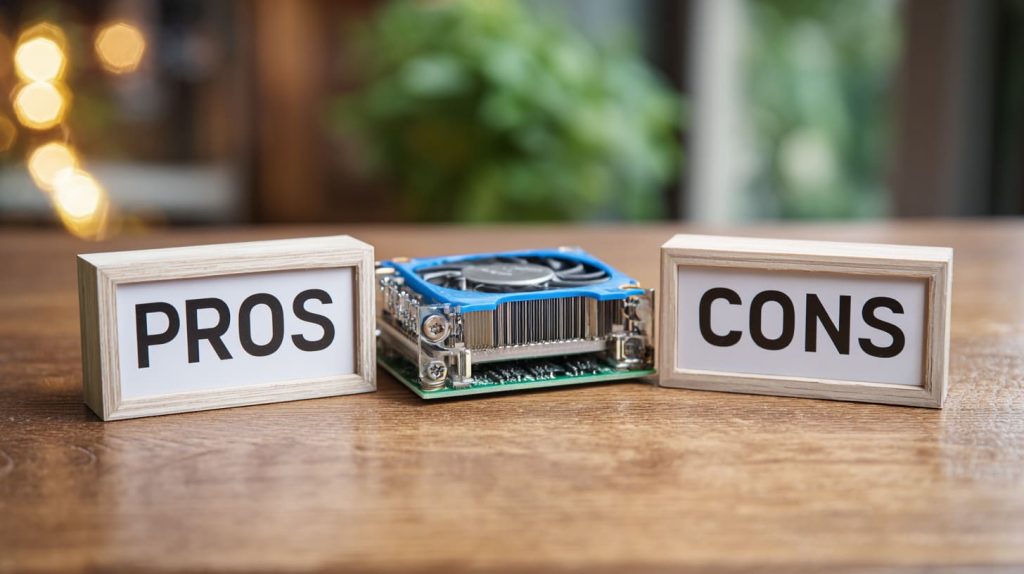
High-performance combo:
| Component | Recommendation |
|---|---|
| Board | Raspberry Pi 5 (4GB or 8GB) |
| Power | 27W USB-C PD adapter |
| Cooling | Active heatsink + fan |
| Vision | Raspberry Pi Camera Module 3 |
| Expansion | GPIO HATs for motor, sensors, or LiDAR |
This setup can handle AI object recognition, real-time navigation, and multitasking in robotics with ease.
What are the pros and cons of using Raspberry Pi for robotics?
Like everything, Pi has trade-offs.
It’s flexible and powerful, but can be overkill for basic robotics and may require extra protection or cooling.
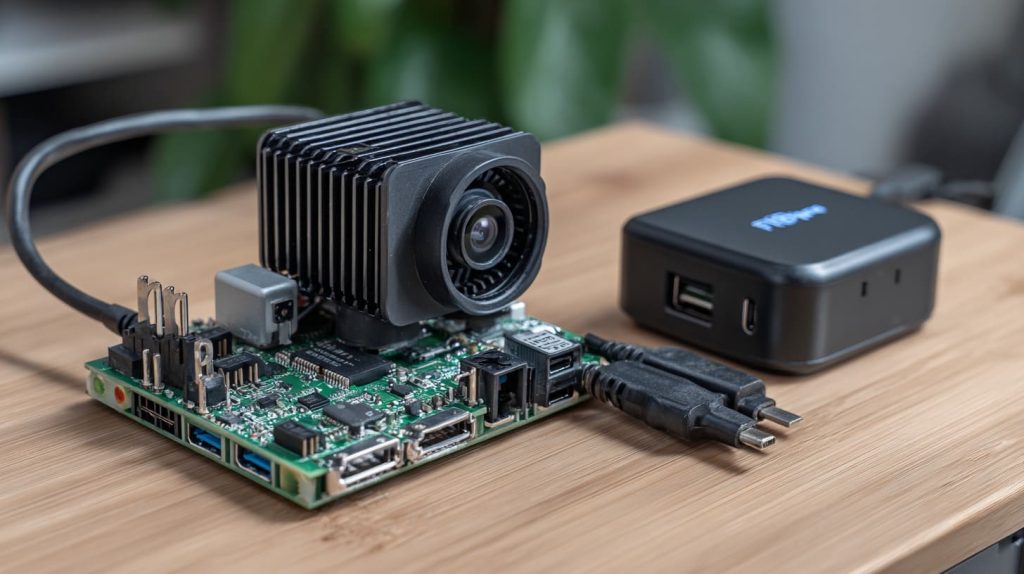
Pros
- Supports full OS and coding environments
- Great for vision and AI
- Compact and low-power
Cons
- Not real-time like microcontrollers
- Needs extra protection for rugged use
- Prone to overheating without cooling
Use Raspberry Pi if your robot thinks and sees. Use a microcontroller if it only needs to react quickly.
How does Raspberry Pi compare to Arduino for budget robotics?
This is where many beginners get confused (I did too).
Arduino is better for quick, low-cost builds; Raspberry Pi is better for more intelligent, high-level robotics.
| Feature | Raspberry Pi | Arduino |
|---|---|---|
| Cost (bare board) | ~$35–$80 | ~$5–$20 |
| Programming Language | Python, C, Shell | C/C++ |
| Operating System | Full Linux | None (firmware only) |
| Real-time response | Slower, multitasking | Very fast, single-task loop |
| Best For | AI, vision, complex projects | Timing-critical control |
Sometimes I combine both: Pi for vision, Arduino for motor control. Best of both worlds.
Is Raspberry Pi 4 or Raspberry Pi 5 better for robotics projects?
This depends on your workload.
Raspberry Pi 5 offers faster processing, PCIe support, and better IO—but Pi 4 is still capable for many tasks.
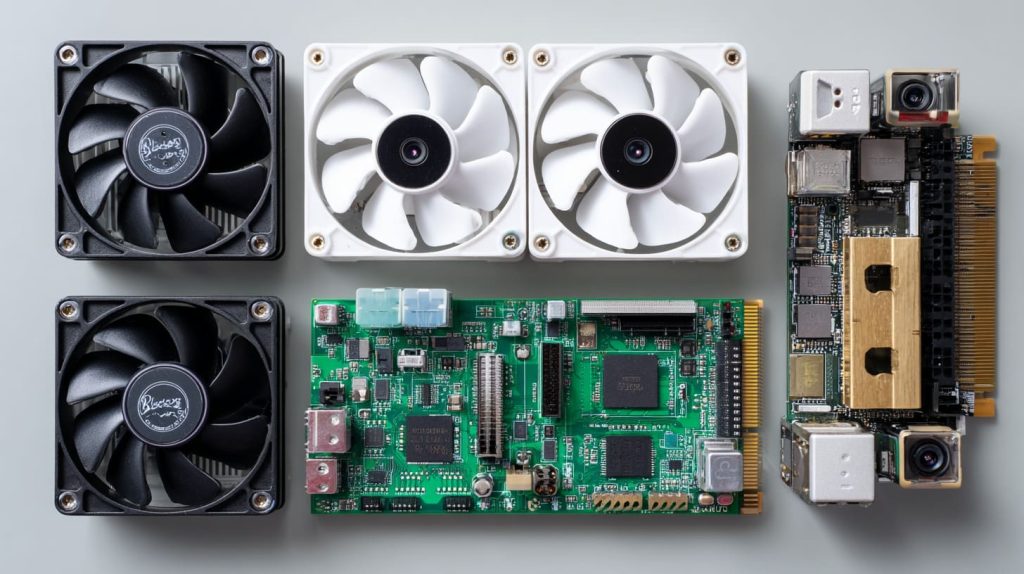
Key differences
| Feature | Pi 4 | Pi 5 |
|---|---|---|
| CPU Speed | 1.5 GHz | 2.4 GHz |
| USB Ports | 2x USB 3.0 | 2x USB 3.0 + better throughput |
| GPIO Layout | Same | Same |
| Camera Support | Good | Better + dual camera support |
| Price | Cheaper | Slightly more |
If you’re doing computer vision or AI, go Pi 5. If you’re doing line-following or basic control, Pi 4 saves money.
Can you build a functional robot using only a Raspberry Pi?
Yes—if you define “functional” right.
You can build a self-contained, Wi-Fi-enabled, camera-equipped robot with just a Pi and a few key modules.

I once built a surveillance bot using:
- Raspberry Pi 4
- Pi Camera
- L298N motor driver
- Power bank
- Python Flask server
No microcontrollers. No extra boards. It rolled, recorded, and streamed to my phone.
What accessories do I need to turn a Raspberry Pi into a robot brain?
Here’s my go-to starter list.
You need a motor driver, power source, sensors, and optional camera to begin turning a Raspberry Pi into a robot.

Basic accessory checklist:
- Motor driver (e.g. L298N or Pi HATs)
- Power bank or battery pack
- Ultrasonic or IR sensors
- Jumper wires + breadboard
- Camera module (optional)
- Cooling fan (for Pi 4/5)
Having extras like wheels, chassis, and casters is handy, but the real brain sits on that Pi board.
What is the total cost of a basic Raspberry Pi robot kit?
Here’s what I usually budget for beginners.
A complete starter robot using Raspberry Pi can cost anywhere from $60 to $120 depending on features.

| Item | Estimated Cost (USD) |
|---|---|
| Raspberry Pi 4 (2GB) | $35 |
| Motor Driver + Sensors | $15–20 |
| Power Supply / Battery | $10–20 |
| Chassis + Wheels | $10–15 |
| Camera Module (optional) | $20–30 |
Total: $60–$120
Still cheaper than most AI robot kits on the market.
Are there cheaper alternatives to Raspberry Pi for robotics?
Yes, especially if you don’t need full OS or video output.
Microcontrollers like ESP32, STM32, or even Arduino are cheaper and faster for basic tasks.
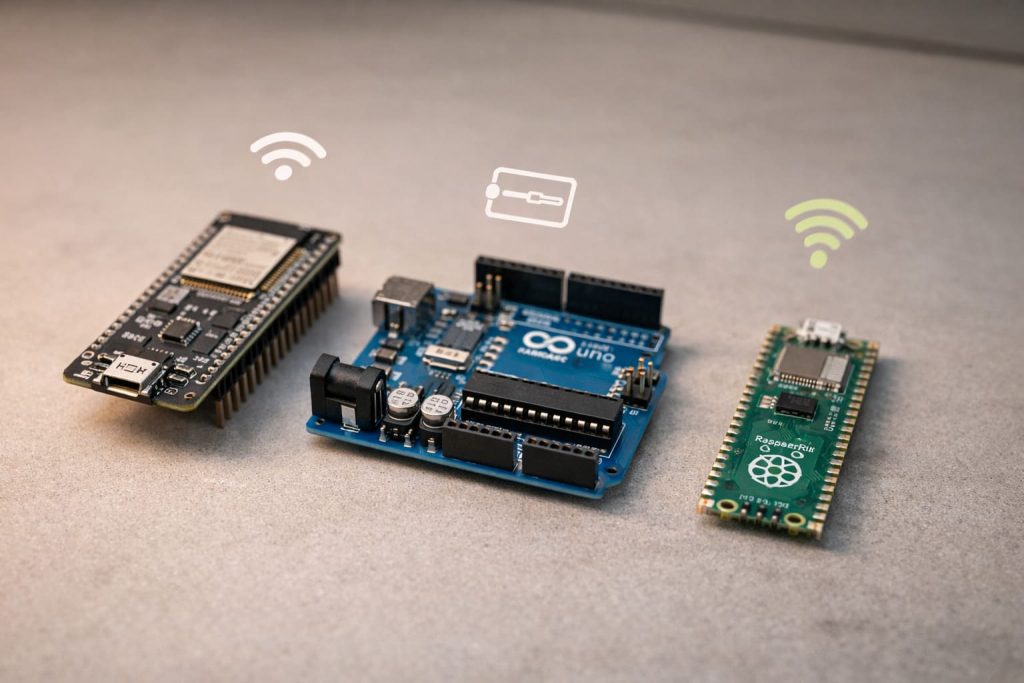
Cost-effective alternatives:
| Option | Use Case | Price |
|---|---|---|
| ESP32 | Wi-Fi robots, small AI tasks | ~$4–$10 |
| Arduino Uno | Simple control logic, line bots | ~$3–$12 |
| Pico W | Pi’s little cousin, with Wi-Fi | ~$6 |
But once you want a camera, web server, or full OS… you’ll probably come crawling back to Raspberry Pi.
How well does Raspberry Pi handle sensors and motor control?
People often assume it’s clunky. Not true.
Raspberry Pi handles sensors and motors reliably using GPIO and Python libraries like RPi.GPIO or gpiozero.
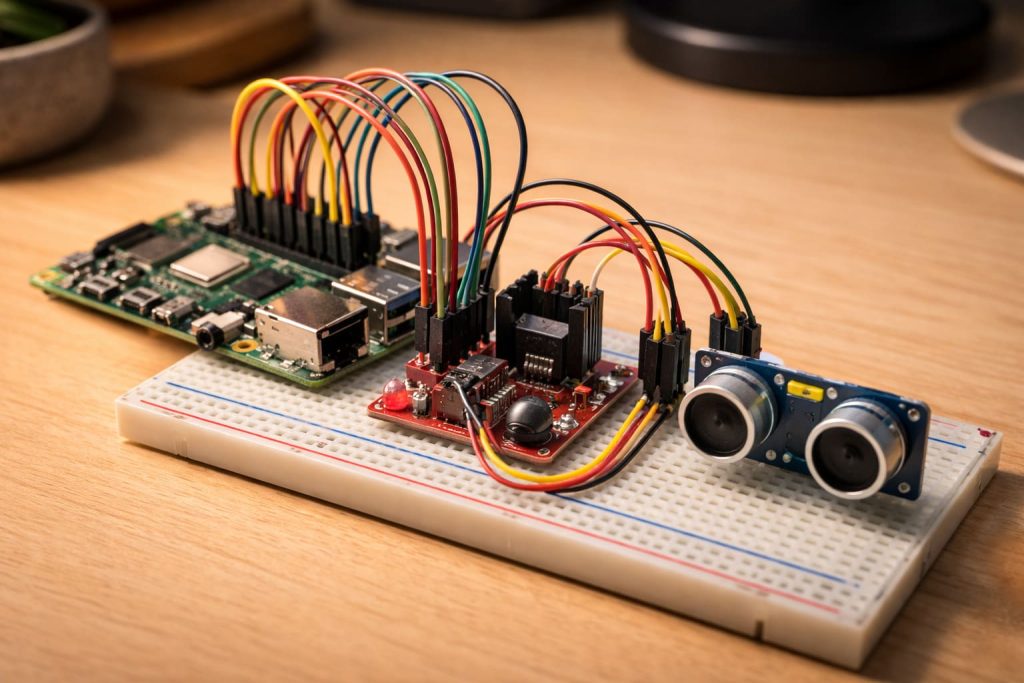
Supported control types:
- Digital input/output
- PWM for motor speed
- I2C and SPI for complex sensors
- Camera control via dedicated CSI port
That said, for ultra-fast response (like balancing bots), microcontrollers still win.
Is Raspberry Pi powerful enough for AI-based robotics?
Here’s where Pi really shines for the price.
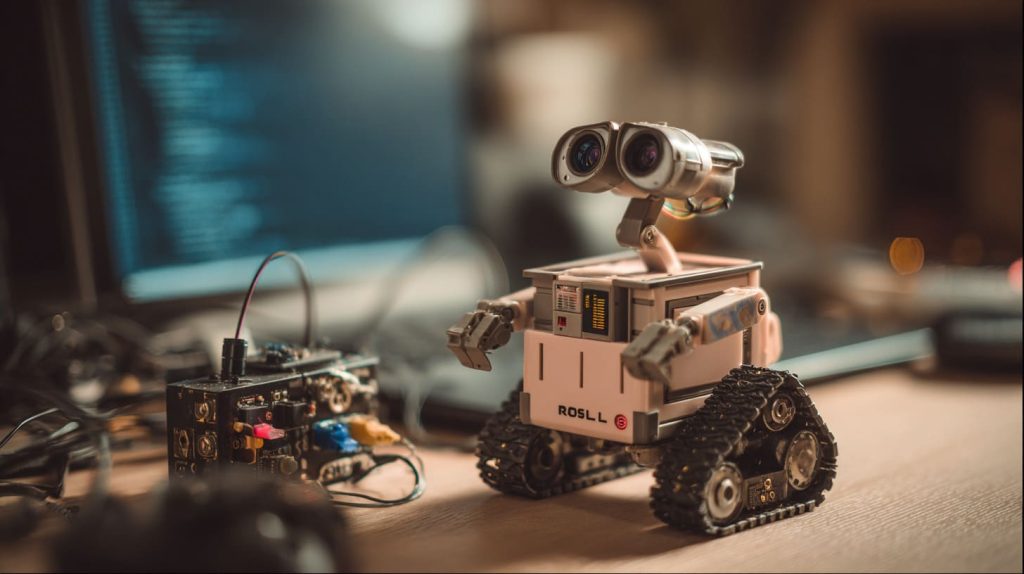
Yes, Raspberry Pi (especially Pi 5) can handle basic AI models—object detection, face tracking, and voice control.
Common AI use cases:
- YOLO object detection
- TensorFlow Lite image classification
- Voice recognition with Mycroft or Google AIY
With Coral USB accelerator or Intel Neural Stick, you can do even more. And it’s still cheaper than full-blown edge AI PCs.
Conclusion
Raspberry Pi gives you an affordable, powerful gateway into robotics—whether you’re starting small or aiming high.




