
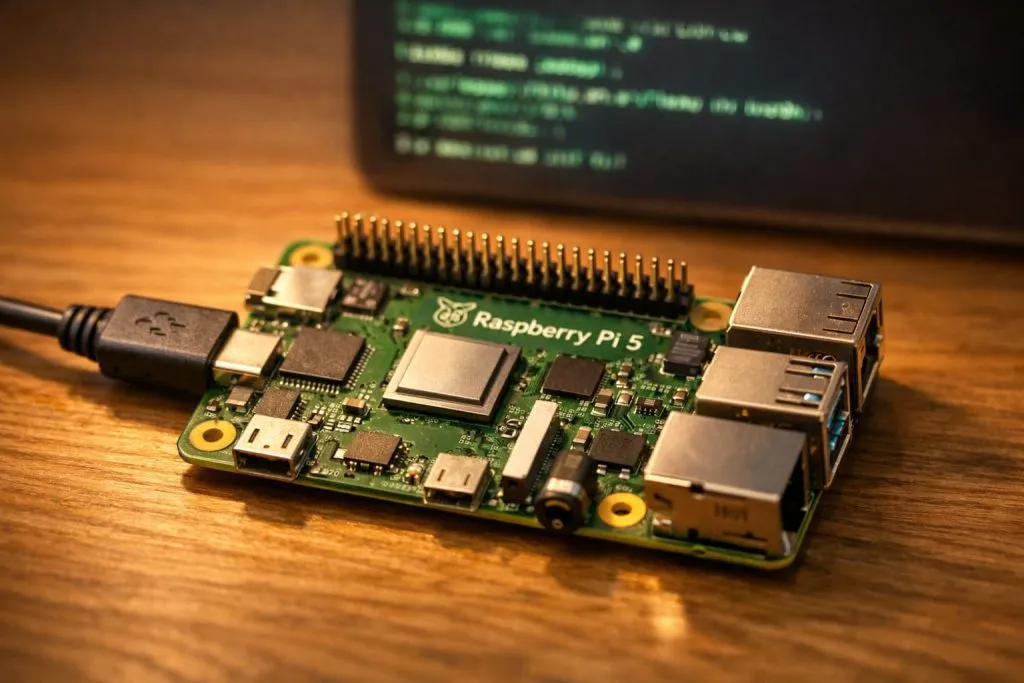
The screen lit up, the terminal blinked, and the board started to warm beneath my hand. A fresh Raspberry Pi setup. I wasn’t just testing GPIO pins or checking the Wi-Fi. I had a very specific goal: get C++ running clean and fast. No bloated packages. No guessing games. Just raw performance and tight control.
Yes, you can absolutely use C++ on Raspberry Pi. It is fully supported, fast, and ideal for projects that need strong performance and low-level control.
But the real question is not “can you.” It is “should you.” That answer depends on what you want to build, how patient you are, and how close you want to work with the hardware.
Are Raspberry Pis good for coding?
Every time someone sees a Raspberry Pi for the first time, they underestimate it.
Yes, Raspberry Pi is very good for coding, including serious C++ development on Linux.

I have used Raspberry Pi boards as test machines, demo systems, and even light desktops. They run Linux. They support real compilers. They talk directly to hardware.
Why Raspberry Pi works well for coding
Full Linux operating system
Native support for C, C++, Python, and more
GPIO lets code control real devices
Cheap enough to experiment without fear
| Feature | Why it matters |
|---|---|
| Linux OS | Real development environment |
| GPIO | Software meets hardware |
| USB / HDMI | Easy keyboard and screen setup |
| Community | Endless examples and help |
For learning and building, it feels honest. No shortcuts. No magic.
Is it better to start with C++ or Python?
This question comes up almost every week.
Python is easier to start with, but C++ is better when performance and control matter.
When I help new users, I often say this: Python helps you move fast. C++ helps you go deep.
How I usually decide
Use Python if you want quick results, simple scripts, or fast prototypes
Use C++ if timing matters, memory matters, or hardware control matters
I once saw a Python robot project miss sensor data because it was too slow. The same logic in C++ fixed it instantly. That moment stays with you.
How do you install a C++ compiler on Raspberry Pi?
This part is refreshingly simple.
You install a C++ compiler on Raspberry Pi using the standard package manager.

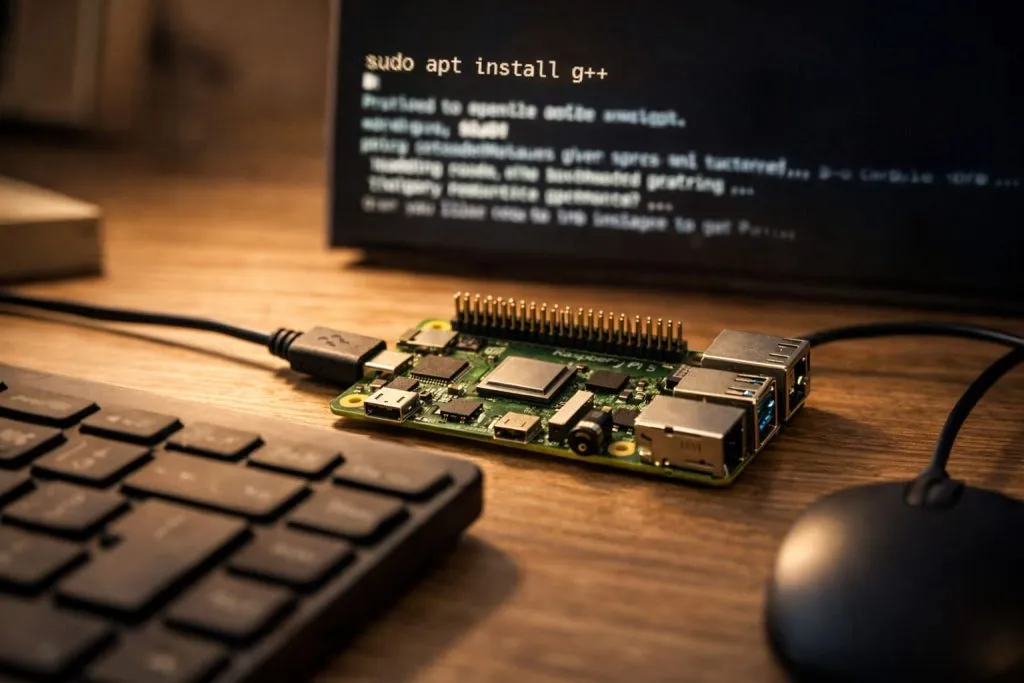
On a clean Raspberry Pi OS system, I usually run:
sudo apt update
sudo apt install g++
That is it. You now have a working C++ compiler.
Common tools I use
g++ for compiling
make or CMake for builds
nano or VS Code for editing
No special setup. No locked system. It feels like a real computer because it is one.
Is C++ good for Raspberry Pi performance?
This is where C++ really earns its place.
Yes, C++ delivers much better performance on Raspberry Pi than interpreted languages.
I learned this while testing image processing code. Python was fine. But C++ was smooth. Stable. Predictable.
Where C++ clearly helps
| Task | Why C++ helps |
|---|---|
| Real-time control | Faster execution |
| Image processing | Higher frame rate |
| Hardware drivers | Direct memory access |
| Long-running apps | Lower CPU load |
If your project reacts to the real world, speed is not optional.
Can you use Visual Studio Code to write C++ on Raspberry Pi?
Comfort matters more than people admit.
Yes, Visual Studio Code works well on Raspberry Pi for C++ development.
I use VS Code when projects grow beyond a few files. Syntax highlighting. Debugging. Extensions. It all helps you think clearly.
Typical setup
Install VS Code
Add the C/C++ extension
Use simple build tasks
Even on older Pi models, it runs better than expected.
Which Raspberry Pi models are best for C++ programming?
Not all Pi boards feel the same once you start compiling code.
Raspberry Pi 4 and Raspberry Pi 5 are the best choices for C++ programming.
| Model | RAM | C++ experience |
|---|---|---|
| Pi 5 | 4GB / 8GB | Excellent |
| Pi 4 | 2GB / 4GB | Very good |
| Pi 3B+ | 1GB | Acceptable |
| Pi Zero | 512MB | Very limited |
If you compile often, more RAM saves time and frustration.
What are some C++ project ideas for Raspberry Pi?
C++ changes the kind of projects you imagine.
C++ projects on Raspberry Pi often focus on speed, hardware, and real-time response.

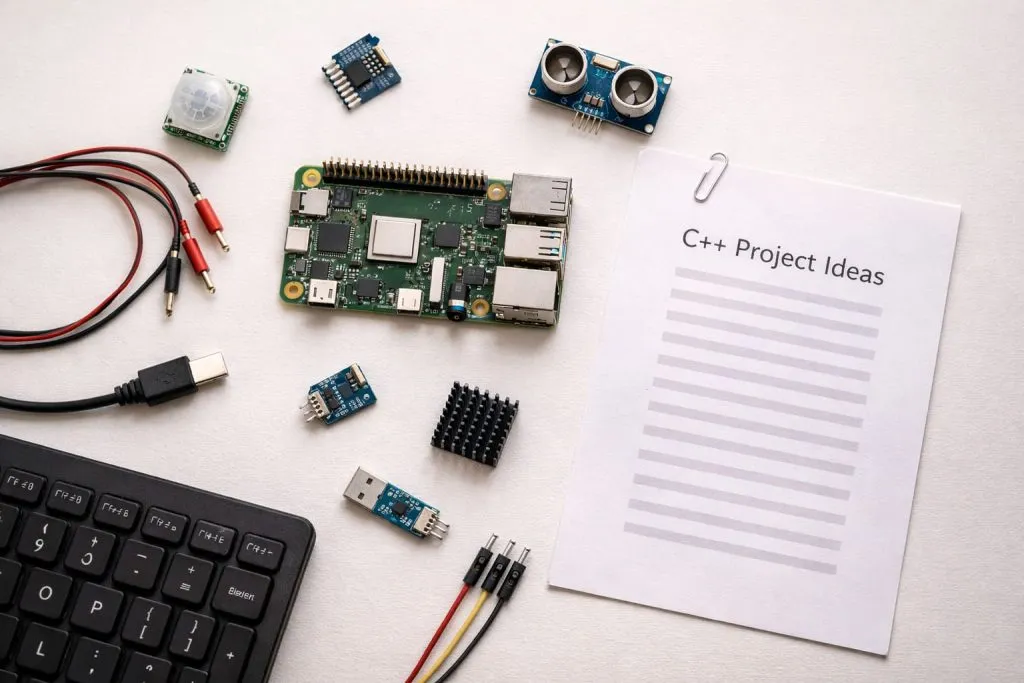
Ideas I often suggest
Motor controller for robotics
Sensor data logger
Custom game emulator
Home automation hub
Camera system with real-time processing
These projects feel closer to engineering than scripting.
How does C++ compare to Python for Raspberry Pi projects?
This is not a fight. It is a trade-off.
C++ is faster and more efficient, while Python is easier and quicker to learn.
| Aspect | C++ | Python |
|---|---|---|
| Speed | High | Medium |
| Learning curve | Steep | Gentle |
| Hardware control | Excellent | Limited |
| Prototyping speed | Slower | Faster |
Many advanced projects use both. Python for logic. C++ for the heavy lifting.
Can I use OpenCV with C++ on Raspberry Pi?
This question usually comes from serious builders.
Yes, OpenCV works very well with C++ on Raspberry Pi and offers the best performance.
It takes time to install. Sometimes patience. But once it works, it feels powerful.
What I have seen built
Face detection systems
Object tracking cameras
Factory inspection tools
Motion detection projects
C++ with OpenCV turns Raspberry Pi into a real vision system.
Conclusion
C++ on Raspberry Pi is powerful, practical, and worth learning when performance truly matters.







