Skip to content


You want your Arduino and Raspberry Pi to work together but fear tangling wires. I once felt that panic too. Let me help you simplify this dilemma.
Arduino boards and Raspberry Pi are indeed compatible, but they serve unique roles. An Arduino excels at real-time control, while a Raspberry Pi offers computing power. Together, they can form a powerful, integrated system for various DIY and professional projects.
I found that bridging them opened up fresh possibilities. I've tested different prototypes for my clients, combining real-time control with advanced computing. Let’s unravel each question to see how these boards can join forces.
Can Raspberry Pi do everything Arduino can?
I sometimes expected the Pi to replace every Arduino feature. That was naive. Both have strengths that address different needs.
Raspberry Pi can handle many tasks but cannot match Arduino’s raw simplicity in timing-sensitive projects. For instance, controlling motors with microsecond precision might be easier on Arduino, though the Pi shines in tasks needing a full operating system or networking.
I once tried to automate my workshop fan and lighting system with the Pi alone. Real-time responsiveness felt sloppy. The Arduino, with its straightforward microcontroller core, handled the timing flawlessly. In my experience, each board wins in different scenarios.
Quick Comparison
| Aspect | Raspberry Pi | Arduino |
|---|---|---|
| Clock Speed | Up to 1.5 GHz or more | Usually 16–84 MHz |
| OS Support | Yes (Linux-based OS) | No (Firmware only) |
| Real-Time Tasks | Less precise (multitasking) | Highly precise for small tasks |
I frequently source boards through specialized electronics suppliers when juggling Pi’s higher power and Arduino’s microcontroller structure. This way, I ensure balanced price and availability.
Can Arduino run Raspberry Pi OS?
I wondered if I could just toss Raspberry Pi OS onto an Arduino and save myself money.
Arduino cannot run Raspberry Pi OS. The OS requires a more robust processor and memory. Arduino boards lack the hardware resources to handle complex operating systems. They rely on simpler firmware instead.

When I first started at MaidaTech, I tried cramming a full Linux image into an Arduino for a custom project. It didn’t budge. The firmware approach is more direct and lightweight, but it can’t handle an entire OS like Raspberry Pi can.
Can you mix Raspberry Pi and Arduino?
I once felt uneasy mixing them. I imagined crossing wires and blowing fuses.
Yes, you can mix them by connecting communication interfaces like USB or serial pins. Each board focuses on its strengths, creating a combined system that handles both precise tasks and heavier computing.

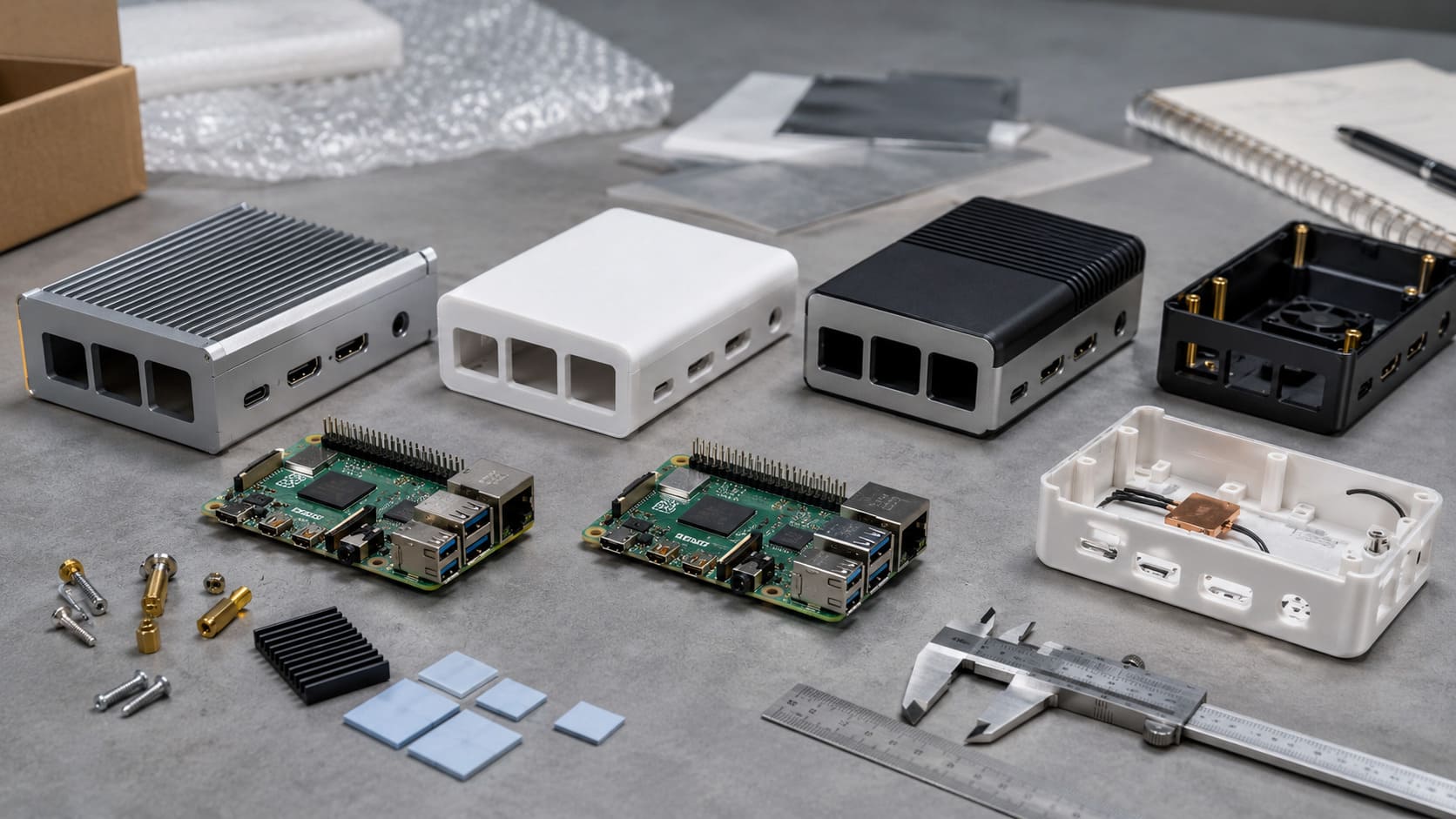
A client of mine, Jacky from Belgium, asked me to design a custom case that housed both a Pi and an Arduino for a fancy security system. That request was an eye-opener. Their synergy gave him real-time door sensor readings (Arduino) and advanced monitoring software (Pi).
Can you put an OS on an Arduino?
I tried forcing an OS onto Arduino when I first began experimenting.
You cannot reliably put a standard OS on an Arduino. Its processor and memory were never designed for full operating systems. It uses bootloaders to run compact firmware.

When I tested early boards, I realized that Arduino’s magic lies in its simplicity. If I need the power of a full OS, I reach for a Raspberry Pi. The Arduino remains a master of handling direct hardware tasks without the overhead of an OS.
What are the key differences between Arduino and Raspberry Pi for DIY projects?
I’ve experimented with both for everything from blinking LEDs to advanced robotics.
Arduino is a microcontroller platform suited for direct hardware control, while Raspberry Pi is a single-board computer running Linux. Arduino excels in timing tasks; Raspberry Pi excels in multitasking and networking.

- Performance: The Pi is a miniature computer with HDMI, networking, and USB ports. Arduino is simpler yet more predictable for time-critical operations.
- Expandability: The Pi allows full software installations (like Python packages). Arduino fosters direct pin manipulation with minimal overhead.
- Use Cases: Need to crunch data, run a server, or stream video? The Pi is your friend. Need near-instant reaction times or battery-friendly designs? Arduino is unbeatable.
Sometimes I see buyers from Alibaba or direct wholesale suppliers looking for bulk deals. They often pair Pi boards with Arduino units to cover a wider range of projects.
How can I safely connect an Arduino board to a Raspberry Pi for integrated systems?
I’ve blown a pin or two with the wrong voltage in my early days.
Use correct voltage levels, typically 3.3V for Pi GPIO and 5V for Arduino. You can connect through USB or a level shifter. Check pinout diagrams to avoid mismatches.

- Voltage Considerations: Some Arduinos operate at 5V. The Pi’s GPIO pins prefer 3.3V. I use level shifters or resistors to avoid damage.
- Connection Methods: USB is the simplest. For advanced connections, serial pins or I2C lines work fine, but watch out for voltage mismatch.
- Common Pitfall: Accidentally injecting 5V from an Arduino pin into a 3.3V Pi input can fry your Pi. I once learned that lesson the hard way.
Can Arduino and Raspberry Pi be used together in IoT and home automation projects?
I tested an early home lighting setup with a Pi alone, but it was cumbersome to handle quick sensor readings.
Yes, they can. The Arduino can handle sensors and real-time triggers, while the Pi manages internet connectivity and complex logic. This two-board setup makes home automation more robust.

I remember helping Davide from Belgium integrate our custom cases with both boards. He wanted brand printing for his kit, plus smooth home automation. The Arduino polled sensors while the Pi uploaded data to a cloud service. It was stable and efficient.
Which communication protocols work best for interfacing Arduino with Raspberry Pi?
I love experimenting with different protocols to see which is the simplest.
UART (serial), I2C, and SPI are common. USB can work if you want plug-and-play simplicity. Each protocol suits different data speeds and wiring complexity.

- UART (Serial): Great for sending small messages. Usually easy to set up but relatively slow.
- I2C: Good for multiple devices. I2C can chain sensors with only two wires plus power.
- SPI: Faster than I2C but needs more wires. I used it for a complex sensor array that demanded quicker data rates.
What common challenges might I encounter when integrating Arduino with Raspberry Pi?
I still stumble upon surprises, even after nine years in the factory.
Voltage mismatch, library conflicts, and communication errors are typical challenges. Ensuring consistent power supply and confirming pin connections are critical steps. Time-zone delays with suppliers can also cause project headaches.

- Library Overlaps: Sometimes one library hogs the serial port and conflicts with the Pi’s console. Disabling the Pi’s serial console can help.
- Hardware Shortages: I keep a large wholesale stock at my factory to combat supply chain hiccups.
- Miscommunication: Quick, clear communication with your supplier prevents confusion. At MaidaTech, we encourage short emails with photos to clarify details.
Conclusion
Arduino and Raspberry Pi can indeed work together. They bring out the best in each other, allowing flexible and powerful solutions for hobbyists and professionals alike.