

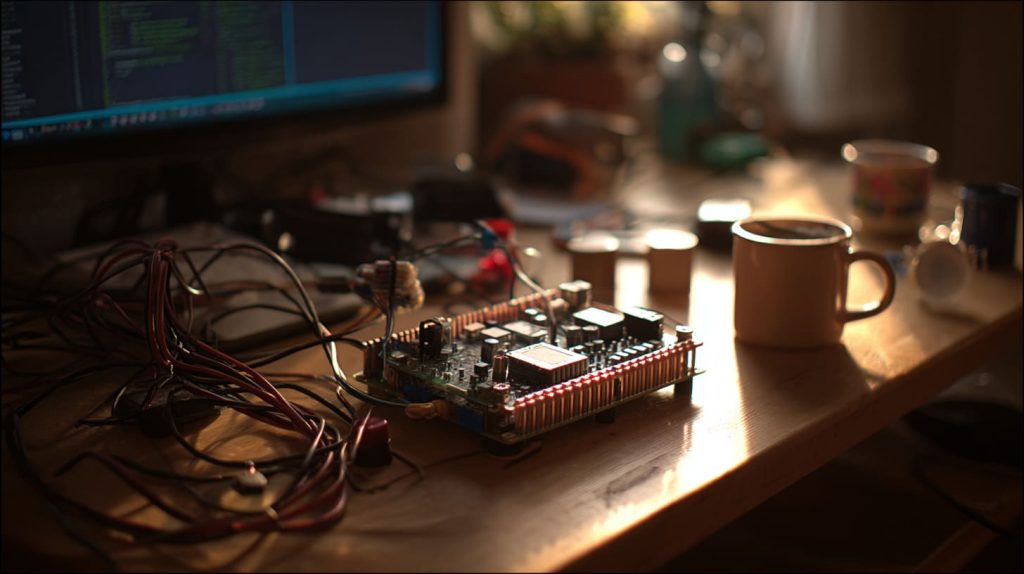
There’s a moment, right after you power on a Raspberry Pi for the first time, when the excitement kicks in—and then the heat. I was setting up a new Pi 4 build on my desk, surrounded by cables, a coffee cup, and the quiet hum of my office fan. Twenty minutes in, I noticed the board was hot. Not warm—hot. I hadn’t added any cooling yet. Didn’t think I needed to.
Yes, a Raspberry Pi benefits from a heatsink, especially under continuous load or in warm environments.
That little mistake led to thermal throttling in the middle of a client demo. Since then, I never run a Pi without at least a basic heatsink—sometimes it’s the smallest fixes that save the most stress.
Can Raspberry Pi 5 be passively cooled?
I’ve tried both setups—fan and no fan—just to see how far I could push it.
Yes, Raspberry Pi 5 can be passively cooled if airflow is decent and the heatsink is large.

Bigger board, more heat
Pi 5 gets hotter than previous models. With passive cooling, it's possible—but you’ll need a good thermal pad, a spacious case, and a well-ventilated environment.
| Cooling Type | Suitable for Pi 5? | Notes |
|---|---|---|
| Passive Heatsink | Yes, with airflow | Works under light load |
| Fan + Heatsink | Best combo | Great for stress scenarios |
| No Cooling | Not recommended | Throttles under moderate use |
Is it okay to leave SSD without heatsink?
I once ignored this, and guess what—my SSD performance dropped after 20 minutes of data logging.
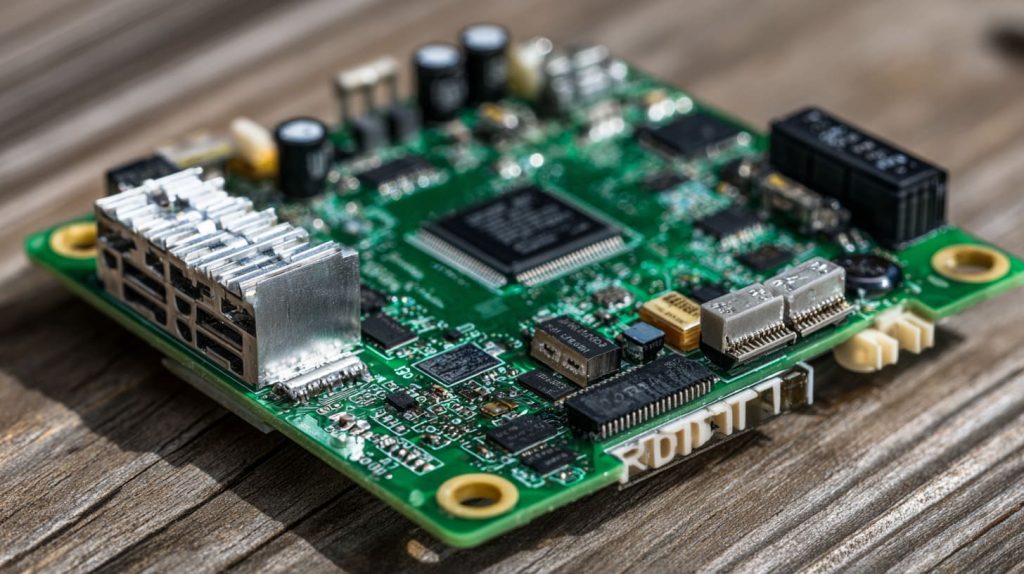
No, leaving an SSD without a heatsink in a Pi setup can lead to thermal throttling.
Why it matters more than you think
Even small NVMe drives generate heat, especially when mounted via USB adapters or hats. If you're running backups, media libraries, or databases, a tiny stick-on copper pad can be the silent hero.
Where to put heat sinks on a Raspberry Pi?
This confused me at first—I thought one heatsink covered all.
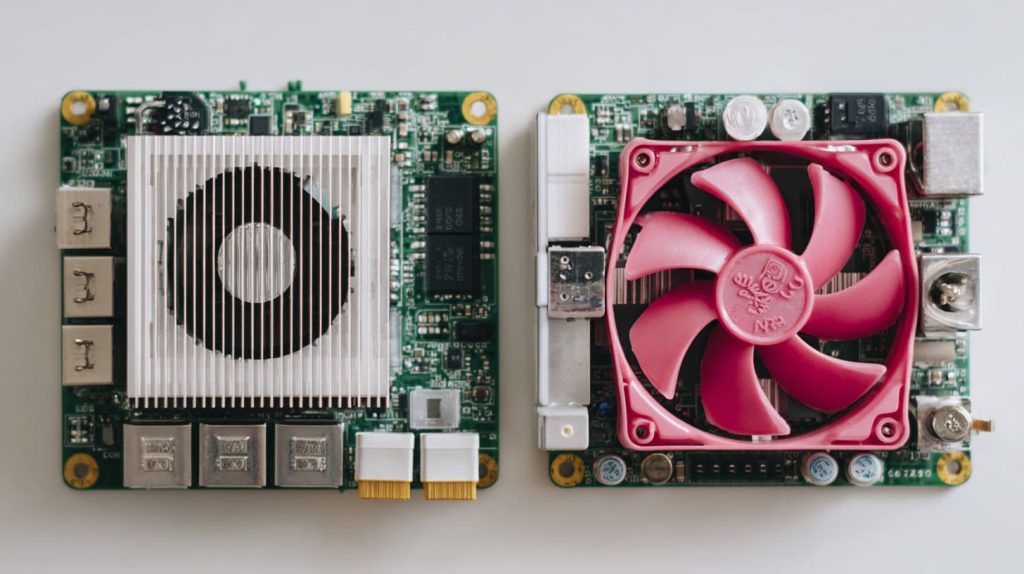
Place heatsinks on the CPU, RAM, and USB controller chips.
The 3 key spots to cool
- CPU (Broadcom SoC) – The hottest and most important.
- RAM (Pi 4 only) – On top of the CPU package.
- USB 3.0 controller – Near the blue USB ports.
A heatsink kit often comes with labeled pieces. Stick them where the heat is—literally.
Can Raspberry Pi 4 overheat?
Oh yes. I’ve seen it happen—twice in one week, during a summer workshop.
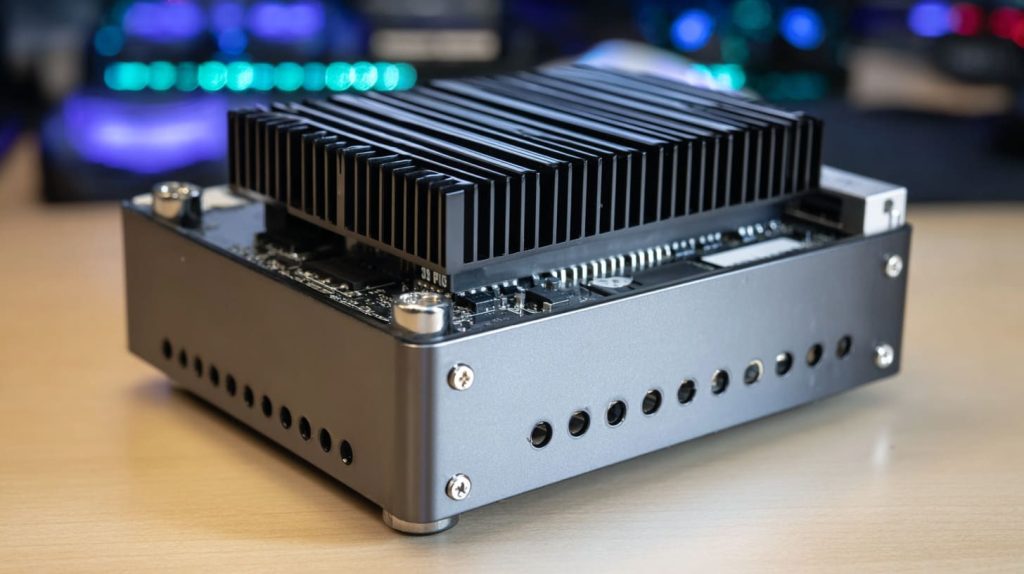
Yes, Raspberry Pi 4 can overheat without proper cooling.
What triggers overheating?
- Enclosed cases without vents.
- Long compilation tasks.
- High ambient room temps.
- Using two monitors or camera modules.
Add a heatsink and you’ll avoid most of these problems without needing a full-blown fan.
What happens if you run a Raspberry Pi without a heatsink?
That’s how many of us start—bare Pi, no extras, just excitement.
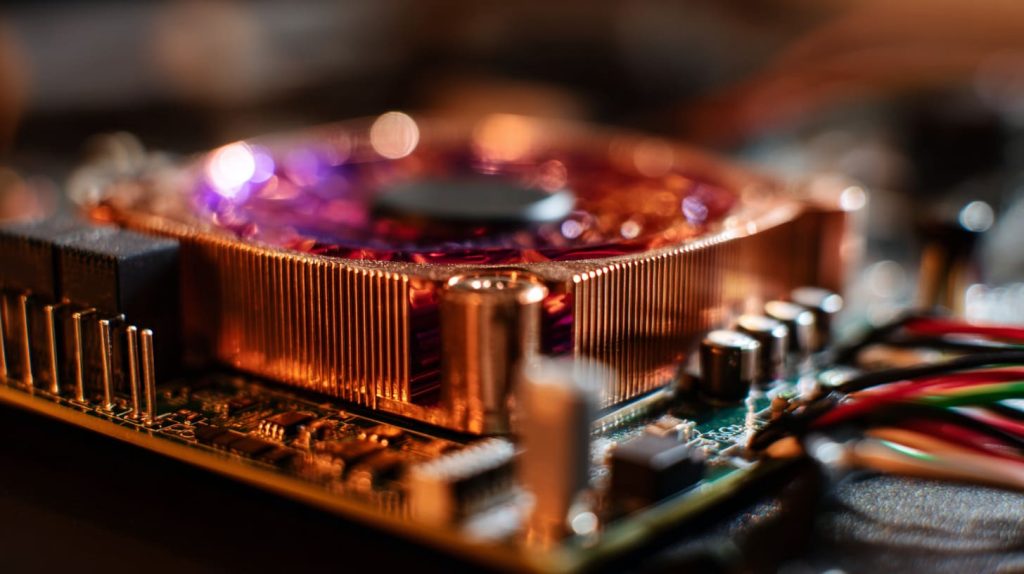
Without a heatsink, your Pi may slow down (thermal throttle) under load.
Not always dangerous—but not ideal either
It won’t explode. But performance drops, and over time, it stresses components more. Think of it like jogging with a winter coat on—you can do it, but should you?
Is a fan or heatsink better for Raspberry Pi cooling?
I get this question from clients all the time.
A heatsink is good; a fan is better; both are best.
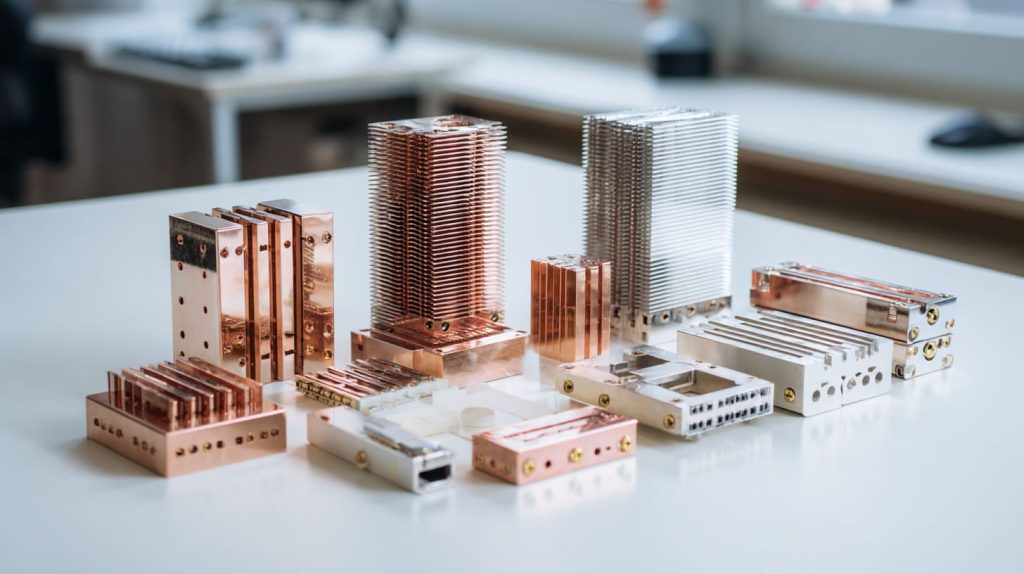
Here’s a quick comparison:
| Option | Pros | Cons |
|---|---|---|
| Heatsink only | Silent, simple | Limited cooling under stress |
| Fan only | Active airflow | No contact heat dissipation |
| Both | Best combo for performance | Slightly more setup needed |
If you hate fan noise, go passive. If you overclock, don’t risk it—add a fan.
Do Raspberry Pi 4 and Raspberry Pi 5 require different heatsinks?
Yes, and I learned that after a Pi 4 heatsink blocked a GPIO pin on my Pi 5.
Pi 4 and Pi 5 have different chip placements and need different heatsink designs.
Check the footprint
Pi 5’s new power management and component layout means your old heatsink might not fit snugly. Some kits now come Pi 5–ready with taller profiles and better alignment.
Can passive cooling work for Raspberry Pi in a closed case?
It depends on how “closed” we’re talking.
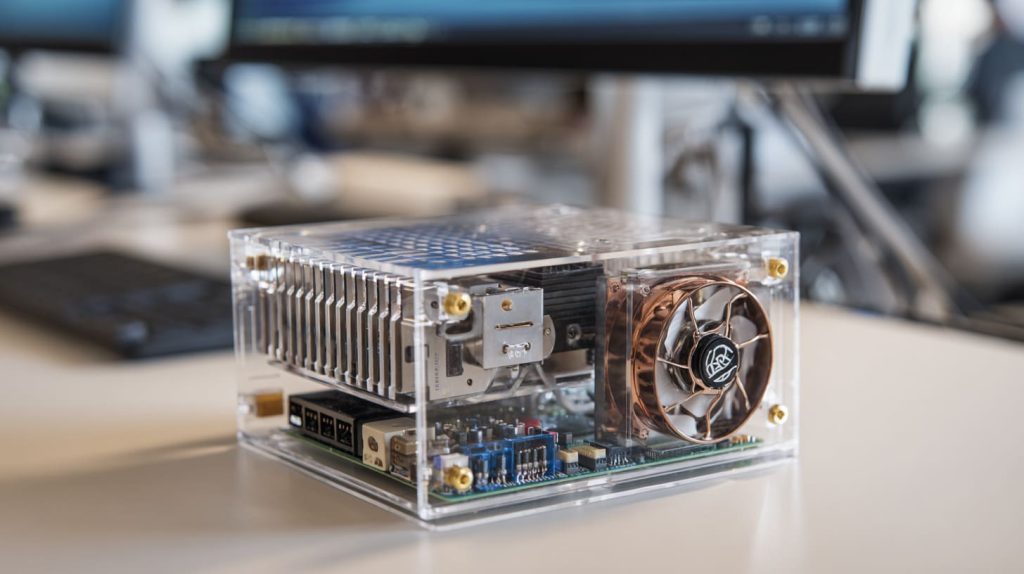
Passive cooling can work in a case—if it's vented and has a large enough heatsink.
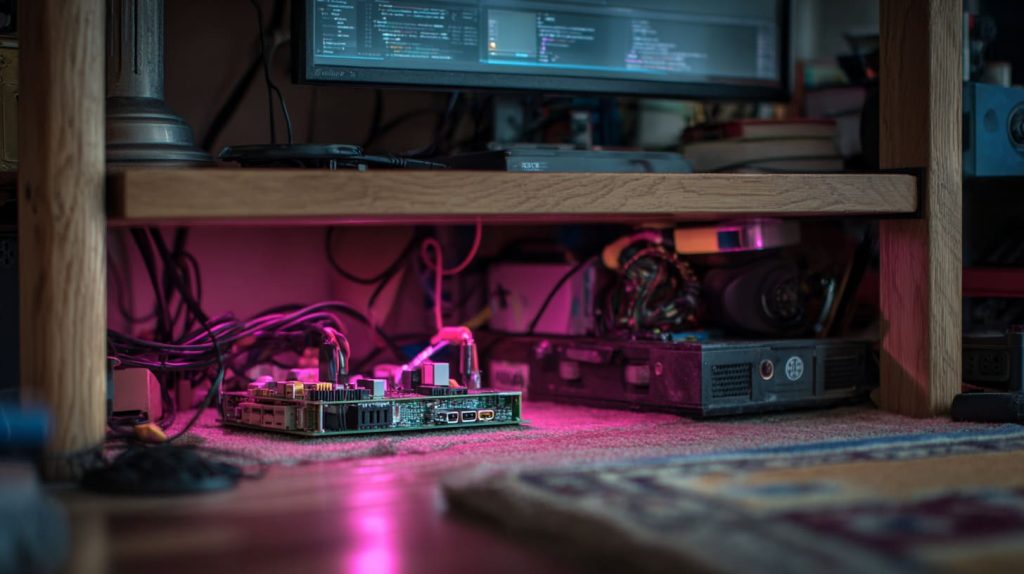
Real-world setup tips:
- Choose aluminum cases—they act as giant heatsinks.
- Add ventilation holes—even small ones help.
- Avoid stacking HATs too tightly on top.
I once drilled holes in a clear acrylic lid to save a build from thermal throttle. It worked.
When does thermal throttling start on Raspberry Pi boards?
I remember seeing weird slowdowns during a Minecraft server test—yep, thermal throttling kicked in.
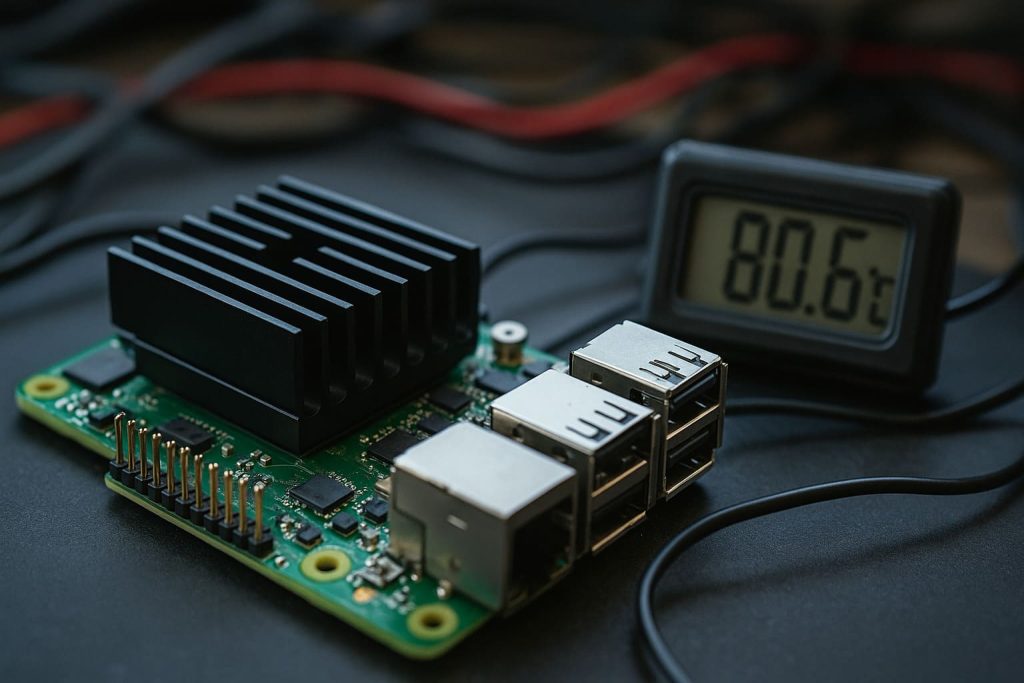
Throttling starts around 80°C on most Raspberry Pi boards.
Why it matters:
You may not notice unless you're running benchmarks or long processes. But over time, it can quietly degrade performance and wear out the board.
How hot can a Raspberry Pi get before it overheats?
The question everyone wants to ask—but hopes never to test.
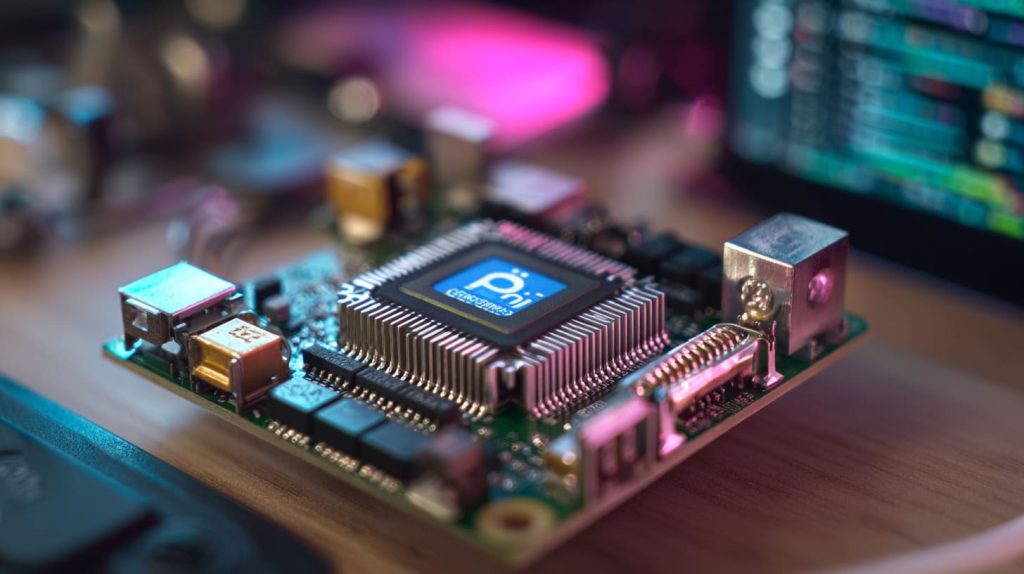
Raspberry Pi boards are designed to handle up to ~85°C, but 70–75°C is safer.
Avoid the danger zone
Once you hit 85°C, most Pis will throttle or even reboot. Try to stay well below that. If you’re seeing temps in the high 70s under light load, it’s time to rethink your cooling.
What are the best heatsinks for Raspberry Pi 4 and 5?
I’ve tested more than I care to admit—some good, some laughably bad.
The best heatsinks are full-size aluminum or copper blocks with thermal adhesive.
Top picks I’ve used:
- Armor cases – act as giant passive heatsinks.
- Copper stick-on kits – better than aluminum for tight builds.
- FLIRC case – stylish, functional, and well-designed.
Pro tip: Don’t cheap out on thermal pads. That little blue layer matters.
Do overclocked Raspberry Pis need bigger heatsinks?
If you’re overclocking without cooling—you’re playing with fire. Literally.
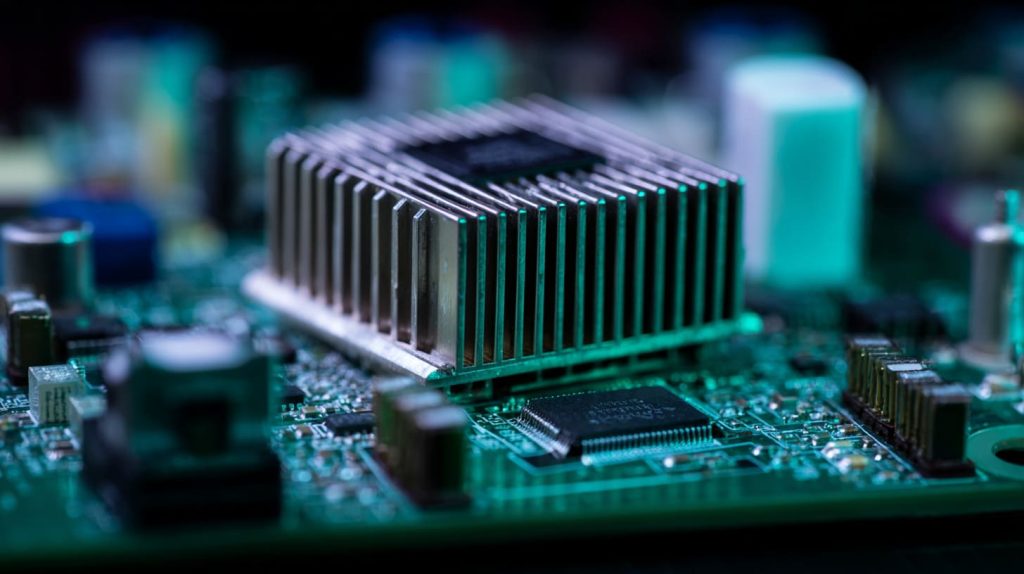
Yes, overclocked Raspberry Pis need larger or active heatsinks.
What to upgrade:
- Add a fan if you haven’t.
- Use copper instead of aluminum.
- Ensure good contact with thermal paste or pads.
Overclocking turns your Pi from a hobby board into a mini furnace. Prepare accordingly.
Can a Raspberry Pi run 24/7 without active cooling?
This was my setup for a remote sensor project—I gambled on passive cooling.
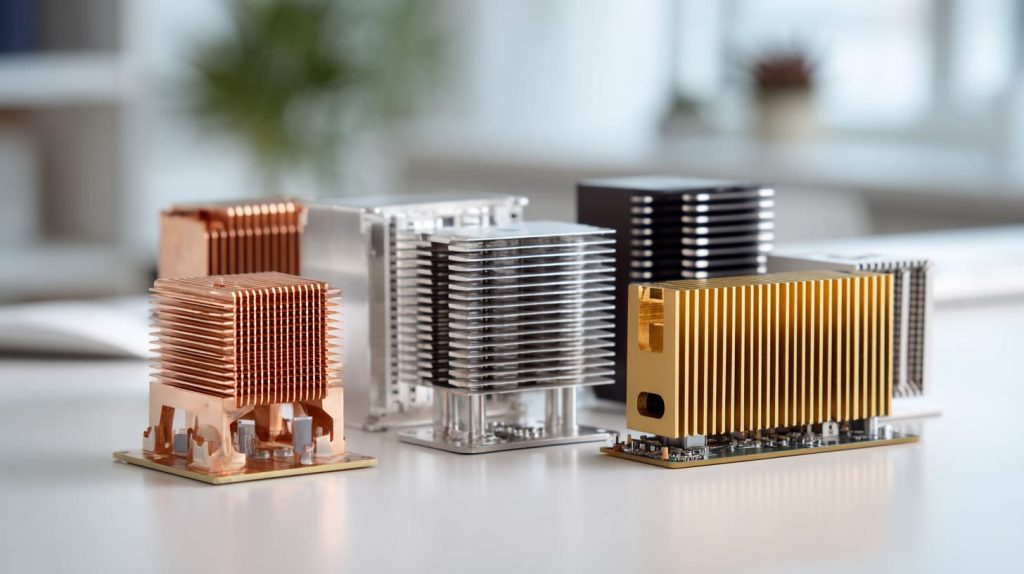
Yes, a Pi can run 24/7 passively—but only under low workloads and good airflow.
When it works:
- Running headless.
- No GUI or HDMI output.
- Light scripts or sensor logging.
When it doesn’t:
- Hosting servers.
- Display-intensive work.
- Enclosed or warm environments.
Keep an eye on CPU temps with vcgencmd measure_temp—it’ll warn you before the Pi gives up.
What’s the best cooling setup for Raspberry Pi inside an acrylic case?
Ah, my favorite kind of question—I’ve built a dozen of these setups for clients like Jacky.
Use a heatsink plus a small fan vented through the acrylic case.
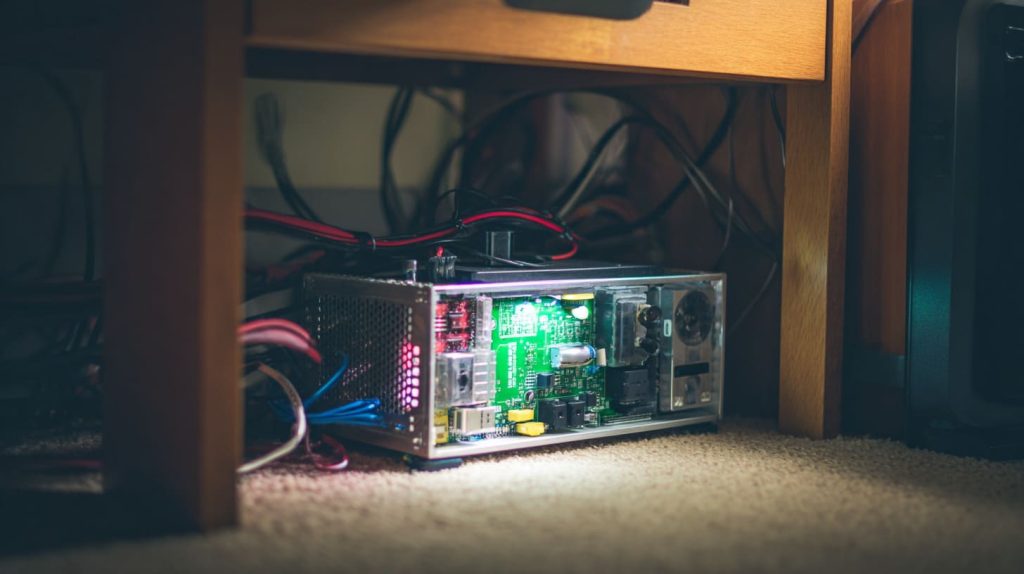
Here’s what works best:
- Low-profile copper heatsink – clears the lid.
- 5V silent fan – mounted on side or top panel.
- Cut vent holes – laser-cut if possible.
- Optional: Add rubber feet to lift the case off the desk for underflow.
| Component | Function |
|---|---|
| Heatsink | Absorbs chip heat |
| Fan | Moves hot air out |
| Vent holes | Allows fresh air in |
| Raised base | Improves airflow beneath |
For my own Pi-powered project display, this combo ran for months—smooth and silent.
Conclusion
A heatsink isn’t luxury—it’s peace of mind for your Raspberry Pi.




