Skip to content

So, here’s a fun thought: Can a Raspberry Pi run Windows? It’s a question that gets tossed around a lot. And if you’ve ever toyed with a Raspberry Pi yourself, you know it’s not just a regular computer. The little device is packed with potential, but it’s not always straightforward when it comes to running certain operating systems, especially Windows.
Many people assume that because Raspberry Pi can run Linux-based systems like a charm, it can easily handle something like Windows. But that's not always the case. The truth? The journey of getting Windows on a Raspberry Pi is a bit more complicated than you might think. Let’s dive into it and see what’s possible—and what isn’t.
Understanding Raspberry Pi Hardware
What Is Raspberry Pi and Its Use Cases?
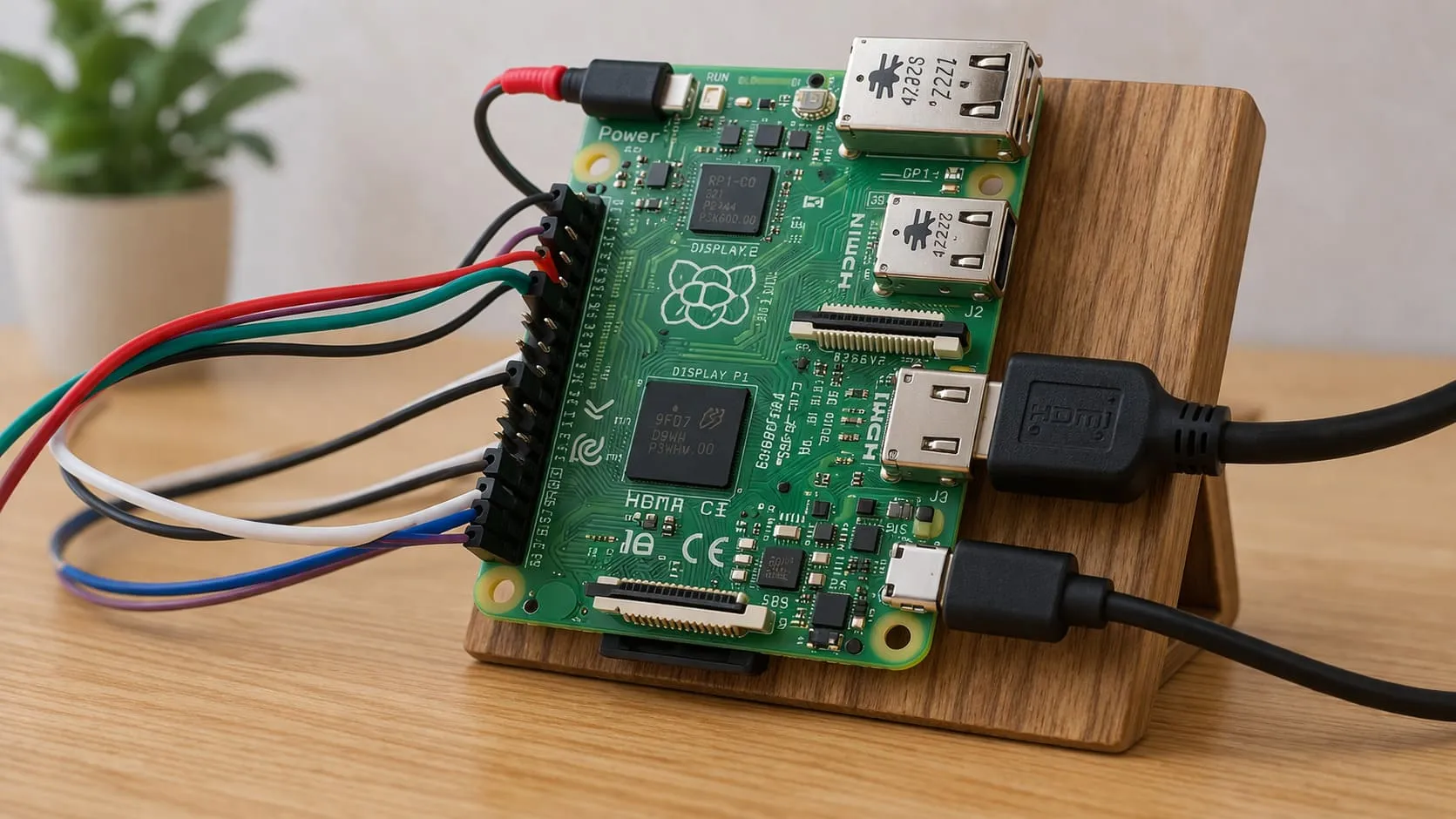
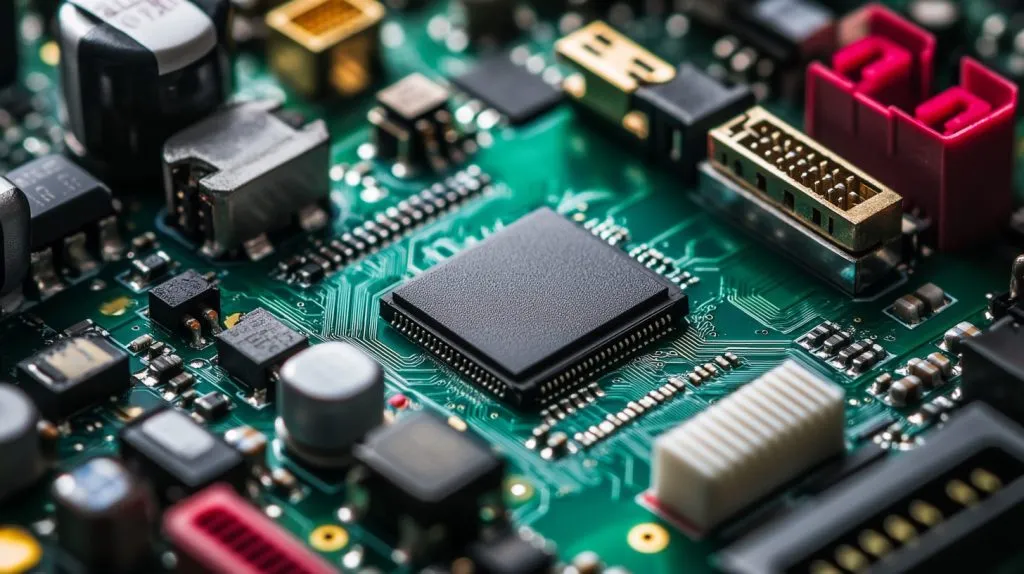
Before we go deeper, let’s break down what a Raspberry Pi actually is. At its core, it’s a tiny, affordable computer built around a few basic components: the CPU (central processing unit), RAM (random access memory), and storage options (usually a microSD card). It’s a powerhouse in a small package, perfect for DIY enthusiasts, educators, and hobbyists alike.
Here are some key specs of a typical Raspberry Pi model:
- CPU: ARM-based, usually a quad-core processor
- RAM: Varies by model (from 1GB up to 8GB)
- Storage: MicroSD card, expandable via USB drives or external storage
The Raspberry Pi’s versatility means it can power projects in all kinds of areas, from DIY electronics and home automation to media centers and even learning tools for kids. It’s a jack-of-all-trades that’s ideal for tinkering.
But—(and it’s a big “but”)—Windows doesn’t naturally run on ARM-based processors like the ones in a Raspberry Pi. And that’s where the complications begin.
Hardware Limitations for Running Windows
Alright, let’s talk about the elephant in the room: Why can’t Raspberry Pi just run Windows like a regular PC?
It all comes down to hardware limitations. Raspberry Pi uses ARM processors, while most Windows versions are designed for x86 architecture (like Intel or AMD chips). These two architectures are pretty different, and it’s not as simple as just installing Windows and calling it a day.
On top of that, the RAM and storage options on a Raspberry Pi are much more limited than what you'd find in a typical PC. When you’re trying to run an OS like Windows, which is known for being a bit resource-hungry, these limitations quickly show their ugly side. Think of it like trying to run a heavy-duty truck on a scooter’s engine—things might work, but not very smoothly!

Can You Run Windows on Raspberry Pi?
Running Windows 10 IoT Core on Raspberry Pi
Now, here's the exciting part. While you can’t exactly run a full version of Windows (like Windows 10 or 11), you can run a stripped-down version called Windows 10 IoT Core.
But what exactly is IoT Core? It’s essentially a lightweight, simplified version of Windows designed for Internet of Things (IoT) devices. It's perfect for running on small, embedded systems like the Raspberry Pi.
Key Features and Limitations of Windows 10 IoT Core on Raspberry Pi
Windows 10 IoT Core offers a handful of useful features, like support for universal Windows apps, and it can be a solid option for specific projects, like home automation or industrial IoT systems. However, it’s not a full-fledged desktop operating system. It doesn't come with a graphical user interface (GUI) like the regular versions of Windows, so you're not going to be running Word or Chrome on it.
Installation is relatively simple, though. You download the IoT Core image, flash it onto an SD card, and voilà! But remember, it’s mainly for developers or specific use cases, not your average everyday computing needs.
Running Full Versions of Windows on Raspberry Pi
Now, if you’ve got dreams of running Windows 10 or Windows 11 on your Raspberry Pi, I’m afraid things aren’t looking great. While technically, it’s possible with some effort and workarounds (like emulation or virtualization), the performance is often disappointing.
Running a full version of Windows would require more horsepower than the Raspberry Pi can offer. The CPU isn’t quite up to the task, and the available RAM and storage won’t be enough to make it feel like a “real” PC experience.

Alternative Operating Systems for Raspberry Pi
Linux-based Operating Systems for Raspberry Pi
So, if Windows isn’t going to be the best fit for Raspberry Pi, what’s the alternative? The answer is Linux-based systems.
Raspberry Pi OS (formerly known as Raspbian) is the default operating system for the device, and it runs beautifully on the Raspberry Pi’s hardware. It's lightweight, efficient, and highly customizable—perfect for most users. You can also try other distributions like Ubuntu, which has a more familiar desktop interface for those coming from a traditional PC environment.
The great thing about Linux is that it can run with very little overhead, leaving more resources for your actual applications. And trust me, it’s an absolute breeze to use once you get the hang of it.
Running Windows via Virtualization: Is It Possible?
If you’re really set on running Windows, there’s a tiny ray of hope. Some users have tried running Windows through virtualization software like QEMU or ExaGear. These tools allow you to emulate the Windows environment on the Raspberry Pi, but expect very slow performance.
The problem here is that emulating an entire OS on hardware that’s not designed to run it is like trying to fit a square peg in a round hole—it’ll fit, but not without some major compromises.

Pros and Cons of Running Windows on Raspberry Pi
Advantages of Running Windows
If you’ve been using Windows your whole life, you’re probably familiar with the layout and functionality of the OS. For enterprise applications or specific Windows software, this might make it easier to get the job done. You also have the benefit of Windows-based applications that might not be available on Linux.
Disadvantages of Running Windows
But here’s the kicker: running Windows on a Raspberry Pi can lead to serious performance issues. The limited CPU, RAM, and storage all hinder its ability to handle anything resource-heavy. Plus, don’t expect smooth updates or a broad range of supported software—Windows on a Pi is often buggy and slow.
For these reasons, Linux-based operating systems are generally a better option, especially for the vast majority of projects and applications people run on Raspberry Pi.
Best Use Cases for Windows on Raspberry Pi
While it might not be ideal for your everyday desktop computing needs, there are still some use cases where Windows on a Raspberry Pi can shine:
- Industrial IoT applications: Windows 10 IoT Core is often used in industrial settings where the simplicity and familiarity of Windows are more important than performance.
- Educational projects: In some educational environments, students may need to run specific Windows software or applications for learning purposes.
For these kinds of niche use cases, running Windows might actually make sense.
Conclusion

So, can a Raspberry Pi realistically run Windows? The short answer is: not very well. While you can get Windows 10 IoT Core to run, full-fledged versions of Windows are a stretch for the Pi’s hardware.
If you’re serious about using a Raspberry Pi, I’d recommend sticking to Linux-based systems. They offer more performance, better support, and smoother operation. But if your project requires Windows for a specific reason—like industrial IoT or educational purposes—then it’s possible to make it work with Windows 10 IoT Core.
Ultimately, the decision depends on your specific needs. If you need to run Windows, weigh the trade-offs carefully. If not, there’s a whole world of Linux options that will perform better on your Raspberry Pi.